The search has a dozen spellings. People look for a way to telegram bulk add contacts or telegram mass add contacts, for a telegram bulk contact adder, a telegram bulk contact importer, a telegram contact import tool, a telegram contacts import tool or telegram contact import software, and every one of those names ends at the same server call or at the phone's own address book.
There are only two mechanisms.
The first is what telegram add contacts automatically means inside the official apps: contact sync, which the mobile apps run in the background and which is the only route Telegram itself ships as automatic. The other is a signed-in client, your own script or a desktop tool, handing Telegram a list of numbers and reading back which of them have accounts. Below, the routes are compared side by side, with what each does about a number that is not on Telegram and a clear mark where the published documentation stops and forum figures begin. Saving one person is a different job, covered under the single-contact routes by username, number or QR code.
Can a Telegram bot add contacts to your account?
No.
A telegram add contacts bot is a contradiction in terms, because a bot has no address book to add to. Importing is the work of contacts.importContacts, and Telegram's method reference says of it, in one line, that only users can use this method. Its sister call contacts.addContact, which saves an existing user without a phone number, carries the same line. A bot token can send neither.
What gets sold under the bot label is one of two things. Some are chatbot platforms that load a spreadsheet of people into their own subscriber list, which reaches only people who have already started that bot and adds nobody to your Telegram account. The rest are user-session tools with the word bot in the name, the same naming habit described under the errors and ceilings of a member-add run. Ask which kind you are looking at before you paste a number list into it. If it wants a bot token, it will not touch your contacts, and if it wants a login code, it is acting as you.
Address-book sync, the route Telegram already ships
The query how to add contacts in bulk telegram has a plain answer for one person with one phone: put the numbers in the phone's address book and let the app do the rest. With Sync Contacts switched on under Privacy and Security, the mobile app uploads the phone's address book and keeps it current, and every number that belongs to a Telegram user who allows it appears in your contact list without another tap. Telegram's privacy policy gives the reason for the upload. It stores your up-to-date contacts so that it can notify you when one of them signs up, and it says the number and the name are all it keeps about them. To add bulk contacts to telegram this way you need nothing but the handset.
Does telegram import contacts vcf files directly?
Not in any official app we checked in October 2026. A .vcf file is opened by the phone's contacts app, or imported into the Google or iCloud account behind it, and sync carries the entries into Telegram from there. A CSV needs one more step, a conversion or an import through that same contacts account.
Three things limit the route. Sync is all or nothing: it uploads the whole address book, personal numbers included, for each account on that phone that has the switch on. It is also tied to a handset. Telegram Desktop has neither the switch nor a file import, only a form that takes one name and one number at a time, and although Telegram Desktop's export tool for chats and contacts will write your contact list out to a file, nothing in the app reads one back in. Last, sync gives no report. A number that did not match simply fails to appear, and you are left guessing whether the person has no account or has hidden it, a distinction explained under why a phone number lookup comes back empty.
Undoing it has a trap of its own. Deleting entries in Telegram while the phone still holds them brings them straight back, so the order matters: switch sync off first, then tap Delete Synced Contacts, as laid out in clearing an address book and stopping sync from refilling it. If all you wanted was to write to a handful of numbers, opening a chat from a number you never save skips the address book altogether.
For a list that belongs on several accounts, or on an account that lives on a desktop, sync runs out.
What contacts.importContacts does with a list of numbers
It saves everything and returns only the matches.
Every telegram add contacts script, whatever library it is written in, wraps this one method. Telegram's contact list documentation describes the input as an array of entries, each holding a phone number in international format, a first name, an optional last name and a client_id, an arbitrary number the client invents so that it can match answers to rows. The reply has four parts. imported lists the entries that have a Telegram account, each with its user ID. users carries the profiles of those accounts. popular_invites flags numbers that many other people have imported too. And retry_contacts lists entries that, in the documentation's words, could not be imported due to a server-side system limitation and have to be sent again.
Two details in that description decide what a telegram bulk contact import really yields.
Privacy comes first. The same page notes that, depending on the user's privacy settings, not all contacts with an associated account may be returned. In the app that setting is Who can find me by my number, with the values Everybody and My Contacts. Someone who chose My Contacts and has not saved your number stays invisible to your import, exactly as if they had no account, and from the outside the two cases look the same: the separate lookup call contacts.resolvePhone is documented as returning one error, PHONE_NOT_OCCUPIED, for both.
Then there is the remainder. Numbers with no match are still saved on Telegram's servers as part of your uploaded list, which is how the app can tell you later that one of them has joined. They stay out of the visible contact list, and a call of their own, contacts.resetSaved, clears them.
So a telegram add contact by phone number bulk run is better read as a lookup with a side effect: you learn which numbers resolve to accounts, and those accounts land in the address book. The routes compare like this.
| Route | Takes | Runs on | Reports non-matches | Fits |
|---|---|---|---|---|
| Address-book sync | Phone contacts, .vcf through the phone | Mobile app | No | One person, one phone |
| Add Contact form | One number at a time | Any official app | One by one | A few people |
| Script on importContacts | A number list | One user session | If you write the code | A developer, one account |
| Bot | Nothing | Bot token | No | Not possible |
| Desktop module | Numbers or usernames | A pool of user sessions | Yes, in the log | Many accounts |
A script is the cheap route, and for a developer with one account it is a fair one. It needs an api_id and api_hash registered to one phone number, a library such as Telethon, and the patience to handle retries, number formatting and waits yourself. What it lacks is everything around the call: pacing shared between accounts, a record of which account imported which number, and anyone to fix it when Telegram changes a layer.
How many contacts can one account import?
Telegram does not publish a number.
We looked for one in the method reference, the contact list documentation and the public FAQ in October 2026 and found no batch size, no daily allowance and no ceiling on the size of an address book. The only official trace of a limit is retry_contacts itself, the list of entries the server declined for now. Everything more specific comes from forums. Developers there report that a single request is cut off at around a hundred entries where it once took a couple of thousand, and at least one vendor blog claims that an account which has imported heavily is afterwards held to a handful of new numbers a day, with the rest reported as not on Telegram. Neither figure appears in any Telegram document. Treat both as observations from individual accounts at individual moments, not as policy.
That uncertainty is the honest answer to telegram add 1000 contacts, and to any plan to import contacts to telegram bulk from a spreadsheet. A thousand numbers is a small file and a large request. Split into batches with pauses between them, a list of that size is ordinary work for an established account; pushed in one burst from an account created that week, it is the pattern most likely to come back short.
Short is easy to misread, because the import does not fail loudly. Entries come back in retry_contacts, or the call answers with FLOOD_WAIT_X, which the error reference defines as a requirement to wait X seconds before repeating the action. A wait is not a ban. Ignoring it and retrying at once is how a script earns a longer one.
Scale therefore comes from more accounts each doing a modest share, never from one account doing more. The official app holds only a few logins, a ceiling covered in the cap on logins inside one official app, so a pool lives in session files or in a tdata folder copied from Telegram Desktop or Portable, and each session normally keeps a network route of its own, such as a SOCKS5 or MTProto proxy set per account. No software raises what one account is allowed. It can only divide the list.
Add Contacts in the panel: a number list in, an address book out
Our module runs the same import call across a pool.
You load a list of phone numbers or usernames, choose which sessions take part, and Add Contacts shares the list out between them. Numbers go through the import. Usernames are resolved first and then saved as contacts without a phone number, which is the job Telegram documents for contacts.addContact. Requests are spaced with randomised delays and per-account caps from the pacing engine every module shares, a flood wait pauses the account that received it while the others carry on, and the live log prints the outcome of each entry as it arrives.
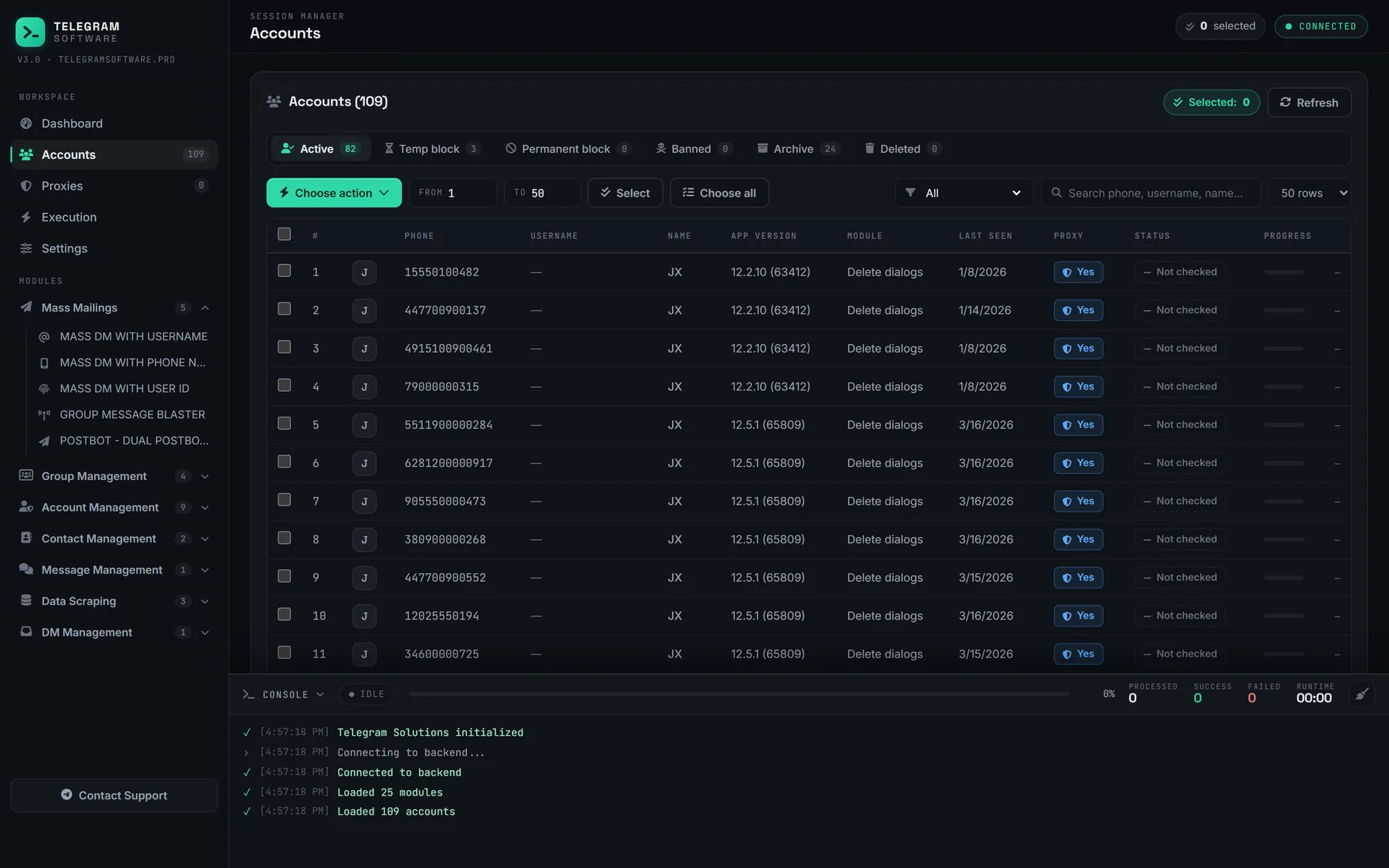
Two neighbours make the result usable. Phone Number Checker answers the lookup question by itself, for when you want to know which numbers have accounts without saving anybody. Delete Contacts empties an address book in bulk, which is how an account is reset between lists. Sessions, lists and logs stay on your machine.
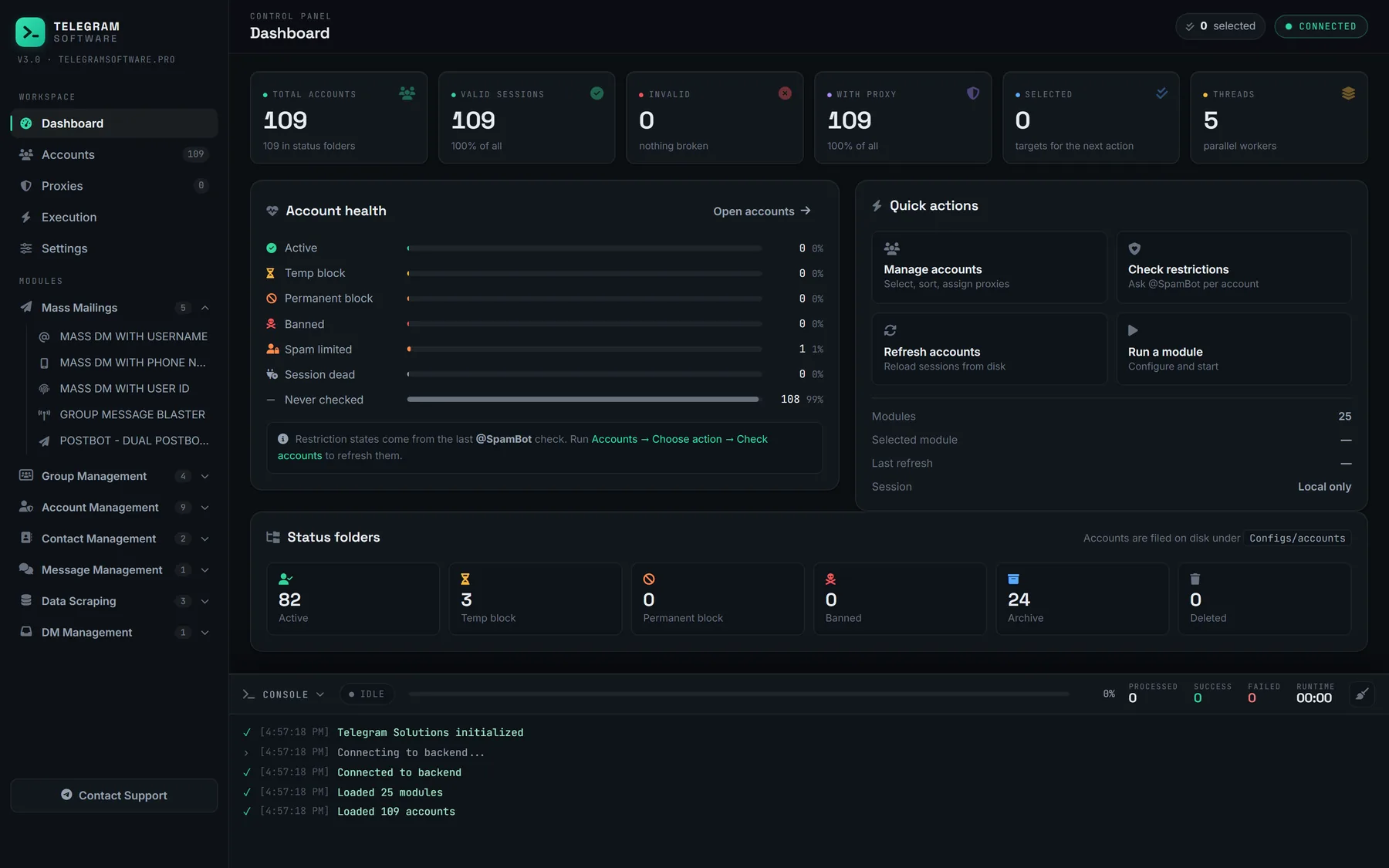
Plainly, then. As telegram contact import software it does not raise Telegram's limits, cannot see an account whose owner restricted lookup by number, and does not supply accounts, proxies or phone lists. Whether a number resolves is decided by Telegram and by the person who owns it, not by us.
A number list is one source of an audience. The other common one is a member export, and what a member scraper can read from a group explains why it yields usernames and IDs far more often than phone numbers, which is the reason the module accepts usernames as well. Once the numbers are saved, putting those saved contacts into a group or channel is a separate run with refusals of its own. Where the people you want are still strangers in public chats, finding public groups through search is the step that comes before any list exists.
After the import: what a saved contact does and does not give you
A saved contact is not consent.
Importing a number gives your account a name to show beside it and, if the person allows lookups, a profile to open. It does not make that person expect a message. Telegram's spam FAQ says accounts are limited after recipients press Report spam, and that a limited account can still write to people who have its number saved, the mutual kind of contact an import does not create. The Terms of Service forbid using the service to send spam, and the same page prohibits data scraping under separate licensing terms. A phone list is personal data wherever it came from. Messaging the people on it is direct marketing under GDPR, CAN-SPAM and their equivalents, so you need a lawful basis for holding the list and for contacting it, and the software does not supply one.
Accounts that carried a list tend to be retired or passed to a colleague afterwards. Emptying the address book is only one part of that: erasing the conversations a test run left behind, leaving every group an account has joined and, where the account owns a channel, moving channel ownership to another account are separate jobs, each with its own rules.