Overview / Blog / Phone number lookup
Scraping  ·  11 Sep 2026  ·  5 min read

How to find someone on Telegram when all you have is a number

A username is the reliable answer to how to find someone on Telegram, because a public one always opens the profile; a phone number opens it only if the owner allows the match. Every account decides who can match it by number: with Who can find me by my number set to My Contacts, only people the owner has saved can. No app, bot or lookup tool gets past that setting, and none can say whether a blank means hidden or never registered.

A phone number feels like the dependable route and a username like the lucky one. On Telegram it runs the other way. A public username exists so that strangers can reach it, while a number is hidden from strangers by default and answers a lookup only when its owner allows it. The question arrives under a dozen names, whether a telegram phone number search, a telegram phone number lookup or a plea to find telegram account from phone number when that is all you hold, and every version ends at the same check on Telegram's servers — a check that reads the owner's settings, not your intentions. Knowing that first saves an afternoon of retyping a number that was never going to answer.

How to search for someone on Telegram, and the route that fails

An account with a public username appears in global search, so how to search someone on Telegram mostly means typing it: open search and enter @example_user. A t.me link with the same name opens the profile in a browser. Someone who never set a username gives a stranger nothing there to match.

How to find someone on Telegram without username comes down to what else you share. A shared group is the next route: open its member list and tap the name, unless the admins have hidden it. A forwarded message is another, since a forward links back to its author unless forwards were made anonymous, and the difference between a forward and a copy decides whether any trace survives. Joining groups at random is no plan: the ceiling on how many groups one account can join arrives long before luck does.

How to find someone on Telegram by phone number is really adding them as a contact, not a search. Save the number with its country code, and a profile appears only if the account behind it allows matching; a t.me link built from the number asks the same question without saving it. Failing that, send your username or a group invite link they can choose to open, through a channel you already share.

Why does a phone number sometimes return nothing?

Usually because its owner decided it should.

The switch arrived in Telegram's September 2019 privacy update. Beside Who can see my phone number sits Who can find me by my number, and on My Contacts it stops random users who save the number from matching it to a profile. So the answer to can I find telegram account by phone number turns on a setting you cannot see.

What you see Usually behind it What changes it
No profile, though you know they use Telegram Find-me setting on My Contacts, and you are not in theirs Only them: a username, a link or a first message
No profile, and you are unsure they use it Never registered, or on another number, perhaps an anonymous one from Fragment Asking which number or username they use
Worked before, nothing now The account was deleted, or its owner moved it to a new number Asking them for the new route
A stranger's profile, or none Country code missing, or a local zero left in Re-entering it in international format
In your phone book, absent in Telegram Contact sync off on this device Turning sync on, or adding it by hand

A blank result proves less than it seems. The resolvePhone reference promises a user only if their privacy settings allow it, lists one error, PHONE_NOT_OCCUPIED, for a number with no user behind it, and is silent on hidden numbers. Checkers in the wild report both as one no-match, so read any “not on Telegram” as “not visible to this account”. The neighbouring visibility setting is why a scraped member export leaves the phone column mostly blank.

What a telegram phone number checker can and cannot tell you

Which numbers match an account that allows matching. Nothing past that.

Every checker hands the numbers to a logged-in user account, because the Bot API has no method that looks one up, so whether the tool runs on a bot token or a user session is the first question for any telegram phone number finder tool. The account imports the list with contacts.importContacts and reads back which users came with it. To check if number has telegram in bulk is to run that one privacy test many times, and a telegram phone number check from any vendor cannot run a different one. Telegram publishes no import threshold; the one trace of a ceiling is the retry_contacts list, numbers held back by what Telegram calls a system limitation.

Where our own checker stops
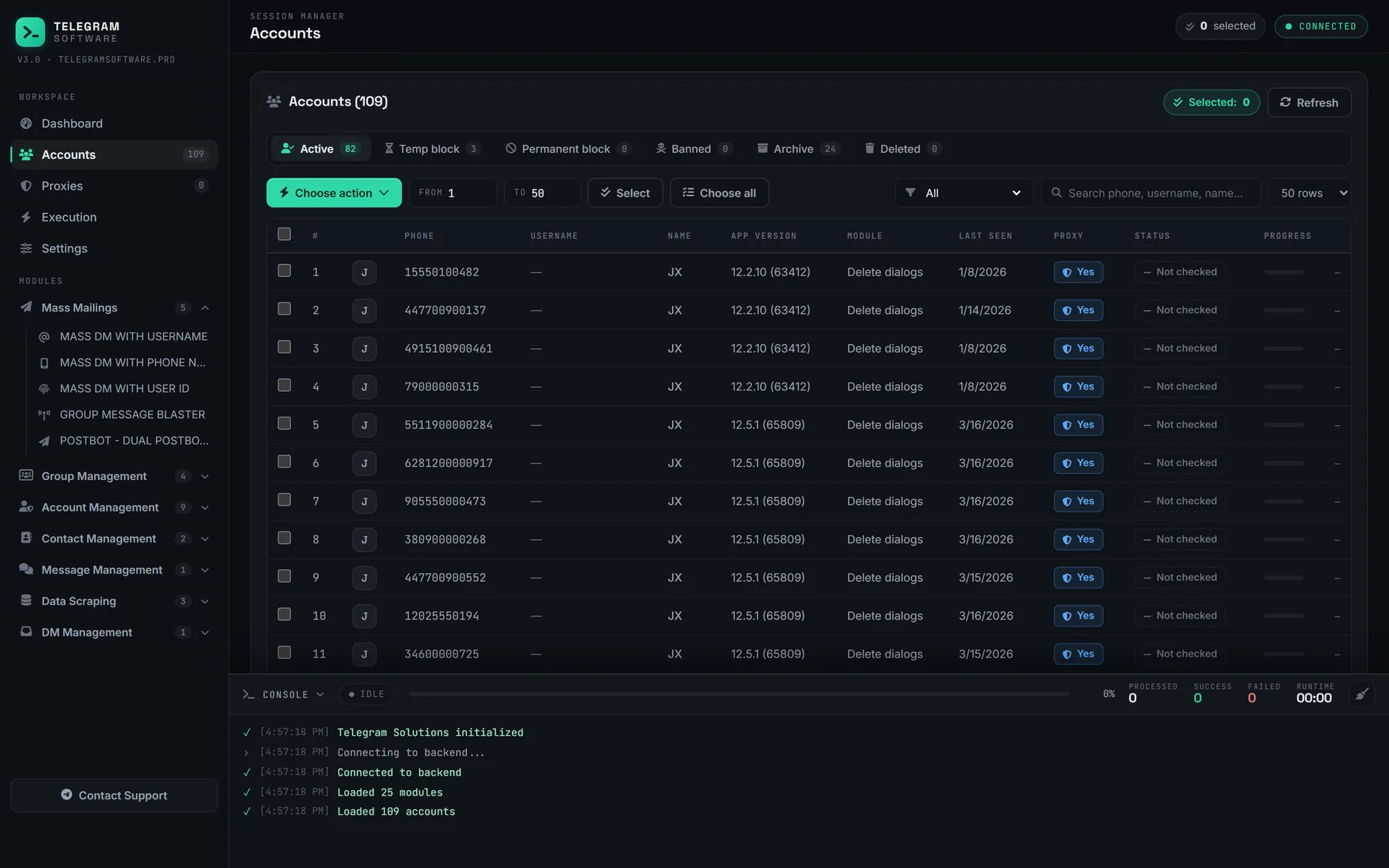
A telegram phone number check runs through your own sessions, and none of them can see past a number set to My Contacts

Our Phone Number Checker stops at the same line, for the reasons set out in how each way of running a number check compares. It checks a list through your own sessions and exports the matches, but it cannot see numbers set to My Contacts, cannot tell a hidden account from an unregistered one, and supplies no accounts or proxies. A phone number is personal data, and messaging a checked list is direct marketing under GDPR, CAN-SPAM and their equivalents, so the lawful basis has to be yours. The Terms of Service rule out spam, which is what a checked list messaged in bulk becomes; bulk-adding a number list to a group meets the same line.

Is your Telegram phone number public?

Not by default.

Telegram's phone number FAQ says it shows only to people you have added as contacts, plus anyone who already had it saved, and that second group sits beyond every switch. The common worry, is my phone number visible on Telegram to everyone in a shared group, gets the same answer: not unless you opened it to everybody.

Telegram phone number privacy lives on one screen, Settings → Privacy and Security → Phone Number. When the find-me switch launched, it appeared once the visibility setting was on Nobody, with Everybody and My Contacts as its choices. Choose My Contacts and a stranger holding your number gets nothing, though a public username stays searchable. Privacy and Security also decides who may add you to groups, which is why a group add bounces off a privacy switch. If someone who found you starts harassing you, block and report them; how Telegram weighs a report against its rules matters more than any count.

Questions

Numbers, usernames and who gets to see them

Can I find a Telegram account by phone number if I'm not in their contacts?
Only if the owner allows it. Finding a Telegram account by phone number runs through one check on Telegram's side, and the owner controls it with the setting Who can find me by my number. Left on Everybody, the number matches their profile for anyone who saves it as a contact or opens a t.me link built from it. Set to My Contacts, it matches only for people the owner has saved, and a stranger's app, a bot or a paid lookup tool all receive the same empty answer. Nothing on your side changes that: not Premium, not a different checker, not trying again next week. If the number returns nothing and you are sure they use Telegram, ask for their username, or send yours through a channel you already share and let them open the chat.
Can I search someone on Telegram by name instead of a username?
Only among people you are already connected to. The search field in the app looks through your own chats and saved contacts by the names you see there, which is why someone you have messaged before turns up under their first name. Past that circle, results come from global search, and Telegram's FAQ ties appearing there to having a public username. A display name typed by a stranger therefore matches nothing, however unusual it is, because the name is not what the global listing is built on. If all you have is a name, look for a group you both belong to and open its member list, or ask a mutual contact to forward you a message the person wrote, which links back to their profile unless they have made their forwards anonymous.
Is my phone number visible on Telegram to people in my groups?
Not unless your settings allow it. Your number on Telegram is governed by Who can see my phone number, and Telegram's FAQ says that by default it shows only to people you have added to your address book as contacts. Members of a group you share, strangers who find you by username and people you reply to see your name and username rather than the number, unless you opened that setting to everybody. One exception sits outside every switch: anyone who already had your number saved in their own address book will see it on your profile, because they knew it before Telegram showed it. So your Telegram phone number is not public by default. To check your own exposure, open Settings, then Privacy and Security, then Phone Number, and read both settings on that screen before assuming you are hidden.
Does someone get notified when I look up their number?
Telegram documents no such notice. A telegram phone number search is a contact import or a phone resolve made from your account, and neither method's documentation mentions alerting the owner of the number. The notice Telegram does document runs the other way: its privacy policy says it tells you as soon as one of your contacts signs up, so a newly registered account announces itself to everyone who already has that number saved. Silence about the lookup is not the same as leaving no trace, though. If you message the person afterwards, the chat arrives from someone outside their contacts, and the app offers them the usual buttons to block or report it. Look numbers up only for people who would expect to hear from you, because the first message is where your side of it becomes visible.
Can a telegram phone number checker see numbers set to My Contacts?
No. A telegram phone number checker, whether a bot, a script or a desktop module, asks from a logged-in user account and gets exactly what that account would see in the app. When the owner has set Who can find me by my number to My Contacts, the checking account is a stranger like any other, so the number returns no profile. Paid lookup sites and open-source tools that query Telegram are in the same position, because Telegram offers them the same two lookups, the contact import and the phone resolve. A result that claims to see past the setting did not come from Telegram's own lookup, so ask where it came from before trusting it. What a checker can honestly do is split a list you already hold into matched and unmatched, and the unmatched column can hold hidden and unregistered numbers side by side, with nothing to tell them apart.
Is a telegram phone number finder tool legal to use?
The tool is rarely the legal question; the list you feed it is. A telegram phone number finder tool asks Telegram the same question your own app asks and is bound by the same privacy settings, so running one is a software choice. The numbers are another matter. A phone number is personal data under the GDPR and its equivalents, and checking a list you cannot account for, then messaging the matches, is processing and direct marketing that needs a lawful basis you hold yourself. Telegram's Terms of Service separately forbid sending spam or scam users, and its API terms ask developers to guard users' privacy with the utmost care. None of this is legal advice for your jurisdiction. If you cannot say where a number came from and why its owner would expect to hear from you, leave it out of the check.
How do I stop people finding my Telegram account by my number?
Set Who can find me by my number to My Contacts. The setting sits under Settings, Privacy and Security, Phone Number, and when Telegram introduced it in September 2019 it appeared once Who can see my phone number was set to Nobody. With it on My Contacts, random users who save your number cannot match it to your profile, which is the core of Telegram phone number privacy as far as strangers are concerned. Three things stay outside it. People you have saved can still find you, people who already had your number saved still see it, and a public username keeps you in global search whatever the number settings say. To leave search entirely, remove the username as well, then check the Groups and Channels setting on the same list so strangers cannot add you to chats either.

The Phone Number Checker gets the answer your app gets

Phone Number Checker runs a list through your own sessions, marks which numbers match an account and exports the matches. It reads what each owner's setting allows and nothing beyond it, on the same session pool and live log as the other modules.