The question turns up in a dozen shapes, from telegram delete all messages to how to delete all messages on telegram at once, how to delete all messages you sent on telegram and telegram delete all my messages in group, and every version assumes one switch somewhere wipes the lot. There is no such switch. Deletion rights are decided chat by chat, so the answer to delete all messages on Telegram depends on the kind of chat you are in, not on how the question is worded.
Can you delete all messages on Telegram at once?
Not across the whole account.
The official apps delete per chat. Telegram's FAQ describes the widest bulk move they offer: hold to select any number of chats in the list, then tap the delete icon. That is as close as the apps come to how to delete all messages in telegram in one click, and the FAQ presents it as a way to delete entire chats for both parties. No setting, menu or command empties every chat in one go.
Two things look like a global switch and are not. The auto-delete timer touches only messages sent after it is set. Deleting the account does remove your messages and contacts, yet the same FAQ says your contacts will still have their copy of the messages you sent them. A clean slate on both ends is chat work, done one conversation at a time, by hand or by software repeating the same call.
How to delete messages on Telegram from both sides
In a one-on-one chat, everything can go, from both phones, whenever you like.
This has been true since March 2019, when Telegram's unsend update removed the time limit for private chats and extended it to messages the other person sent. The earlier version, from 2017, covered only your own messages and only for 48 hours, and plenty of guides still quote that window as if it applied today. A telegram delete all messages for both sides request rests on the same permission, applied to every message in the chat at once.
The answer to how to delete a telegram message is a long press and two taps. Hold the message, choose Delete, then pick Delete for me and the other person's name rather than plain Delete for me. For how to delete all messages in telegram chat history in one move, work from the chat list instead. On an iPhone, swipe the chat left, tap Delete and choose the option with their name; Delete just for me leaves their copy exactly where it was. Those taps cover how to delete all messages on telegram iphone owners ask about for a private chat, and the iPhone app can also clear chosen days of a one-on-one chat from its calendar view, under Clear History For This Day.
On Desktop, the same choice hides in a checkbox. Right-click the chat, choose Clear history to empty it or Delete chat to drop it from the list as well, and tick Also delete for with their name before confirming. Leave the box empty and only your side goes. Picking messages by hand is slower than it looks, because the Desktop source caps a selection at 100 messages, a constant called MaxSelectedItems.
Nothing marks the spot afterwards; the FAQ says deleted messages leave no trace in the chat. A conversation that started as a chat opened from a number you never saved is an ordinary private chat and follows the same rules. Removing the person from your address book is a different act altogether, and deleting the contact, which leaves the chat in place, touches no message at all.
What does delete for everyone cover in a group?
Your own messages. Other people's only if you are an admin.
Groups run on a narrower rule than private chats, which the FAQ spells out in a bracket: in groups, it is still your own messages only. In a supergroup, deleting something you sent removes it for every member automatically, while the older basic groups show a Delete for everyone checkbox. So a telegram delete all messages for everyone request from an ordinary member reaches exactly what that member posted, whatever the button says.
Members asking how to delete all my messages from telegram group chat history get the least satisfying answer here. There is no one-step way. Desktop's in-chat search accepts a From: filter that finds one sender's messages, yet the deleting still happens a message or a selection at a time. Leaving the group deletes nothing. In a public group that matters, since public groups anyone can read without joining go on showing what you wrote after you have gone. The 48-hour figure older guides attach to groups is the 2017 rule again; Telegram's client configuration still carries a revoke_time_limit for supergroup and channel messages, but no page publishes its value.
Admins get the tool members are looking for. When an admin deletes a member's message in a supergroup, the dialog offers Delete all from that sender, next to a ban option and the admin-only spam report that sits beside it. Underneath is channels.deleteParticipantHistory, which removes every message one participant sent to a supergroup and answers a non-admin with CHAT_ADMIN_REQUIRED. That is the whole telegram delete all messages from user feature: supergroups only, admins only, and nothing a member can aim at their own history.
Channels answer to admins, and subscribers have nothing to unsend
A channel is one-way, so only admins holding the right to delete posts can remove anything, and whatever they remove disappears for every subscriber. Telegram Desktop offers no Clear history for channels or public groups at all; it points to the auto-delete timer instead. The practical answer to how to delete all messages on telegram channel feeds is selection by selection, 100 posts at a time on Desktop, or deleting the channel itself. Supergroups have one more lever over the API, channels.deleteHistory with a for_everyone flag, and its error list includes CHANNEL_TOO_BIG for chats past 1,000 participants. Subscribers can only leave. A comment they left under a post lives in the linked discussion group and follows that group's rules.
Does the auto-delete timer clear old messages?
No. It clears what comes after it.
Telegram's February 2021 announcement says auto-delete applies only to messages sent after the timer is set, with earlier ones staying in the history, and that the countdown starts when a message is sent rather than read. The first version offered 24 hours or 7 days, a month was added later that year, and Desktop now lists 1 day, 1 week, 1 month or a custom period for each chat. In groups and channels only admins can switch it on, and then it takes everyone's messages, not just yours.
A global version followed in December 2022. Auto-Delete Messages under Settings → Privacy and Security times every new private chat and every new group you create; existing chats stay as they are unless you extend it to them by hand. Secret chats run their own self-destruct timer and exist only on the two devices holding them. A timer settles the future. The past still needs deleting.
How telegram mass delete messages runs over a user session
Every bulk-deletion script, hosted service and desktop module does what the apps do, many times over, through a signed-in account.
It has to be an account. A bot token reaches only chats the bot belongs to and sees none of the conversations between people, which is why a bot token cannot clear a user's inbox. A user session needs the api_id and api_hash pair a deletion script signs in with, plus the account's own login, and from there three methods do the work. messages.deleteMessages takes a list of message IDs and a revoke flag that deletes them for all participants. messages.deleteHistory clears a whole private chat or basic group and hands back an offset, and while that offset stays positive the documentation says to call again. For another member's messages in a supergroup, channels.deleteParticipantHistory does the admin's version.
The figure of 100 that circulates as Telegram's per-request limit is not Telegram's. It is Telethon's default batch size and Telegram Desktop's selection cap, and no Telegram page puts a number on it. None of the deletion methods publishes a rate either. A session that deletes quickly enough meets the same FLOOD_WAIT_X any method can return, a required wait of X seconds before the next call, and a script with no handling for that error stops on it halfway through the list.
Targets have to resolve before anything is deleted. Removing one person's messages over the API means naming them with the user ID and access hash a delete-all call needs, and a script handed only a username has to work through how usernames resolve first. Clearing many accounts is also a connection question, since each session reaches Telegram from somewhere, and proxy setup per account belongs to the same run.
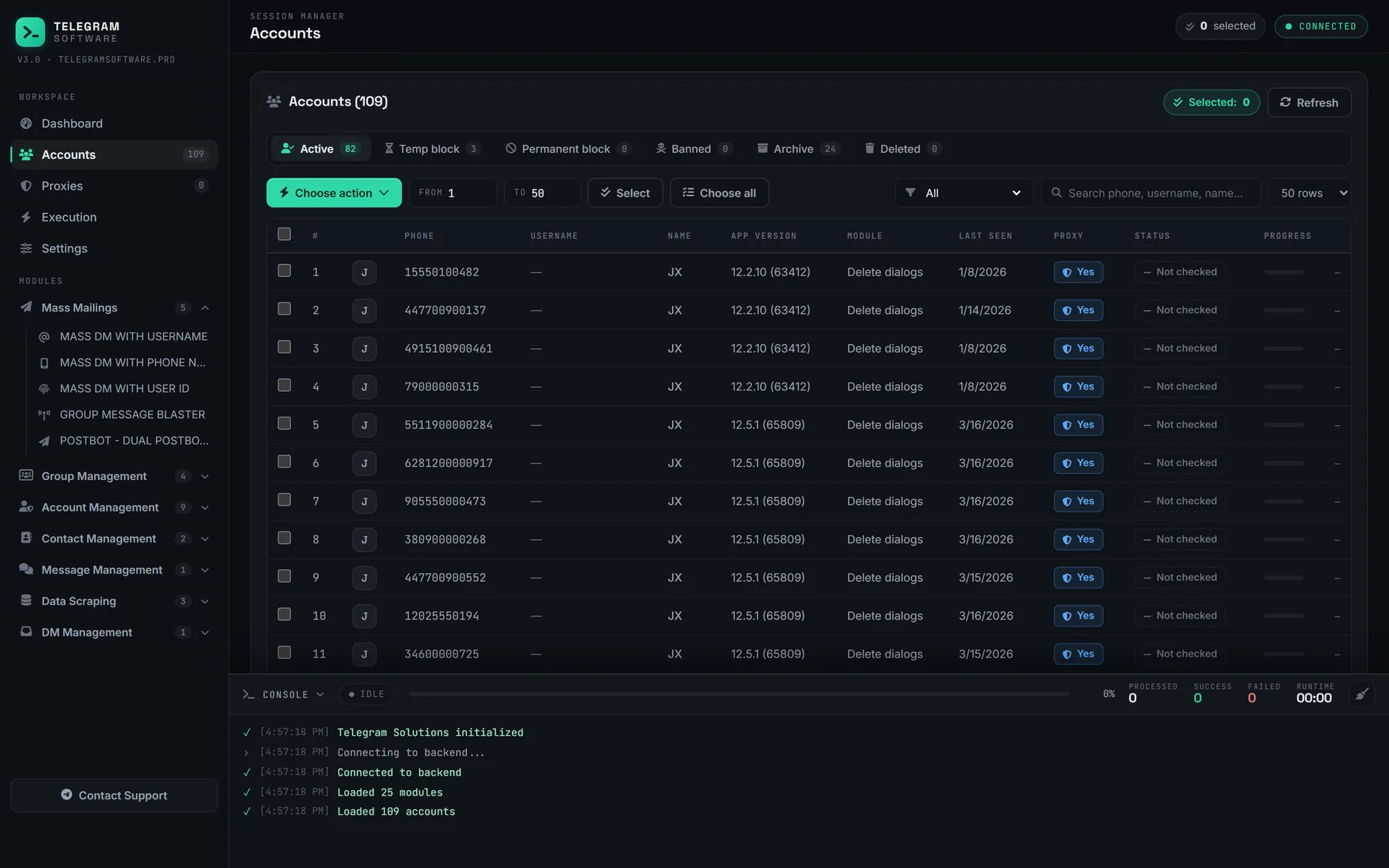
Our Delete All DMs module sits among the message tools on the overview page. It goes through each selected session's private conversations and removes every one for both sides where Telegram allows it, under the same pacing engine as the other modules, so a flood wait is backed off rather than burning the session. Groups and channels are outside its reach, and a service message Telegram refuses with MESSAGE_DELETE_FORBIDDEN stays where it is.
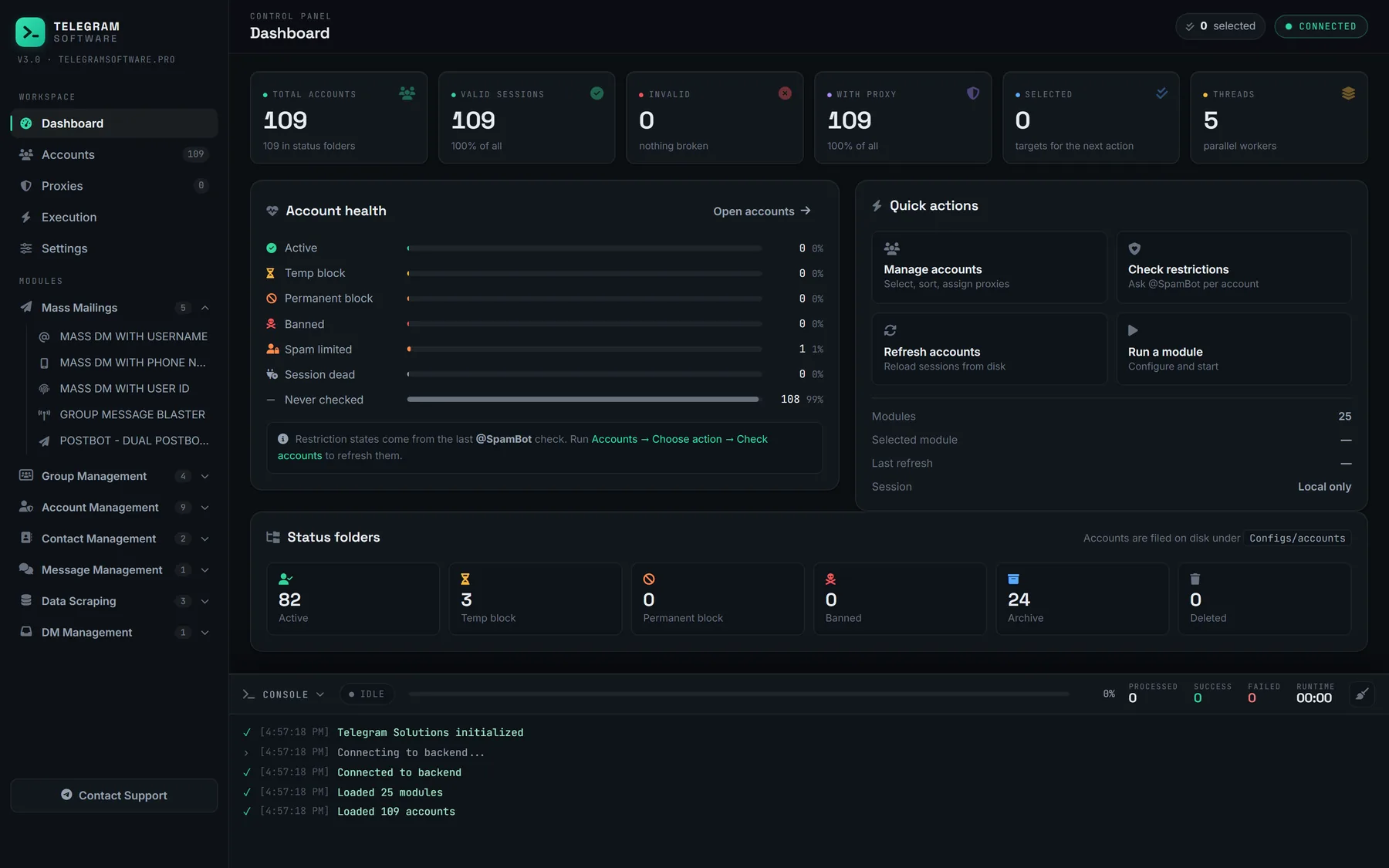
Cost is where the routes part ways. A free script costs a Python setup, your own api_id and upkeep whenever the library changes. A hosted service charges a subscription and keeps a login to your account on its servers. Here the module comes inside one licence alongside the other 24 modules, and the sessions stay on your machine. Nothing in Telegram's Terms of Service forbids deleting your own messages. The module does not raise any Telegram limit, supply the accounts or proxies it runs on, or reach a copy that has already left the chat.
What every route leaves behind
Each route deletes inside Telegram. None of them reaches a copy that already got out.
| Route | Private chat, both sides | Your group messages | Others' group messages | Older messages | Copies already made |
|---|---|---|---|---|---|
| Clear or delete in the app | Yes | Selected by hand | Admins only | Yes | No |
| Auto-delete timer | Yes | If an admin sets it | If an admin sets it | No | No |
| Delete all from a user | Not offered | Not for members | Admins, supergroups | Yes | No |
| Script or module on a session | Yes | By message ID | Admins only | Yes | No |
| Deleting the account | They keep their copy | Not documented | No | Your side only | No |
A forward is a new message in someone else's chat, so forwards and copies that outlive the deleted original stay where they landed. A screenshot is an image on their phone. An export made earlier is a file on their computer, and if you want a record yourself, exporting the chat first is the only way to keep one. Notifications already shown on a lock screen are another gap, and Telegram documents nothing about them.
Clearing a chat leaves reachability alone as well. The other person can still write to you or add you back as a contact, and your phone number privacy settings still decide who finds you by number. Deleting is about the record, not the relationship.