Telegram added ownership transfer on 23 June 2019, and the announcement explained it in a single line: grant someone full admin rights and the Transfer Ownership button appears. Seven years later that line still holds.
It left out what stops most attempts. A security check wants Two-Step Verification switched on for a week and a login at least a day old, the warning screen means what it says, and no app carries an undo. The button to transfer ownership — Telegram channel or group alike — sits on one screen, and so do the refusals.
How to transfer Telegram channel ownership in the app
Five steps, and only the labels move between a phone and a computer.
- Open the channel's profile, tap Edit, then Administrators. The iPhone app shortens it to Admins, and Telegram Desktop keeps the list under Manage Channel.
- Tap the person if they already help run the channel. If not, tap Add Admin and find them by name or username; nobody has to be an admin before this step.
- Switch on every admin right. The transfer button stays hidden until the last one is on.
- Tap Transfer Channel Ownership, read the warning and confirm with Change Owner.
- Enter your Two-Step Verification password. The app reports that the person is now the owner of the channel.
A Telegram channel ownership transfer takes effect the moment the password is accepted, and the warning in step four is literal. The iPhone version says you will no longer be considered the creator, and that the new owner "will be free to remove any of your admin privileges or even ban you".
That is how to give Telegram channel ownership to anyone with a live account; how to change Telegram channel ownership later is the same five steps, run by the new owner. Can you transfer Telegram channel ownership to someone who never joined? Yes, if Telegram can add them, which their privacy settings may refuse. Add Admin finds people by contact name or public username, following how an @name resolves anywhere else, and a t.me/+ link to their number opens a chat for agreeing terms first. Bots, deleted accounts and your own account never get the button.
Groups use the same screen, with one Android detour
In a group the list sits behind the group's Edit screen, or Manage group in Telegram Desktop, and the button reads Transfer Group Ownership. One right can stay off: Remain anonymous, which the apps leave out when they decide whether an admin has everything. Search it as change ownership telegram group or how to transfer ownership telegram gc and you land on this same screen, with the same button hidden until the rights are complete. So that is how to transfer ownership: Telegram group, supergroup or channel, one path.
The detour is the basic group, Telegram's older small-group type. The current API method, messages.editChatCreator, accepts a basic group as it is, and Telegram Desktop and the iPhone app call it. The Android app still sent the older channels.editCreator when we read its source in September 2026, so it upgrades a basic group to a supergroup first. The API has no method that turns a supergroup back.
Why is the Telegram ownership transfer not working?
Mostly because of two clocks.
The app first sends the transfer with an empty password and reads the refusal. Two refusals become the Security check box: Two-Step Verification enabled more than 7 days ago, a login on this device more than 24 hours ago, please come back later. Every error name below except the admin limit is on the method pages above.
| What you see | Error behind it | What moves it |
|---|---|---|
| No transfer button | None, the app hides it | Be the owner and switch on every right |
| Security check on 2FA | PASSWORD_MISSING, PASSWORD_TOO_FRESH_X | Turn on Two-Step Verification, then wait |
| Security check on login | SESSION_TOO_FRESH_X | A device signed in for over a day |
| Password rejected | PASSWORD_HASH_INVALID | The 2FA password, not a login code |
| Too many public chats | CHANNELS_ADMIN_PUBLIC_TOO_MUCH | The recipient makes one of theirs private |
| Too many admins | ADMINS_TOO_MUCH | Remove an existing admin first |
| Recipient cannot be added | USER_PRIVACY_RESTRICTED | They join the chat themselves |
| Recipient's account deleted | INPUT_USER_DEACTIVATED | Pick someone else |
The clocks disagree on paper. Both method pages describe PASSWORD_TOO_FRESH as a password modified less than 24 hours ago, every app says seven days, and the iPhone app adds that the password must not have changed in that week. The X in each error is the wait in seconds, the one figure the server commits to. Changing the password restarts its clock.
The login clock counts the age of the session you send from. A new sign-in starts it at zero, while moving a session to another proxy does not, because the login stays the same. A Telegram group ownership transfer not working follows the same rows, and no app, script or panel shortens either wait: both are counted on Telegram's servers.
What the transfer cannot undo, and what leaving does instead
Nothing in any app reverses a transfer.
The API has a method for handing ownership over and none for taking it back, and Telegram documents no appeal route. The new owner holds every right you had; you keep whichever admin rights they leave you. Telegram's Terms of Service even count transferring ownership as losing access to a channel, in the clause that refuses refunds for giveaways. So the only answer to how to recover Telegram channel ownership after a transfer is asking the new owner to send it back, through their own security check.
Leaving is a different event, and it changed on 9 February 2026. An owner who leaves a channel or supergroup is now shown who will take over, can appoint someone else from the admins or members, and keeps the chat by rejoining within a week; after that the successor becomes owner. A basic group changes hands at once, and deleting the account goes furthest: Telegram's FAQ says the groups and channels you created are orphaned without a creator, though their admins keep their rights.
A planned handover has an order. Take a Desktop export of the channel while it is yours, remove what you would not hand a stranger by clearing channel posts in batches, and settle terms before anyone types a password. Numbers saved only for the handover can go later, though deleting Telegram contacts on a syncing phone takes one more switch. Nobody else needs your login code or password for any of this, and a buyer who asks for either wants the account, not the channel.
Can you transfer ownership of a Telegram bot?
Yes, through @BotFather. A bot can never own a chat, though.
Searches for transfer ownership telegram bot mix those two questions. Handing your bot to another person starts with /mybots: choose the bot, then Transfer Ownership. Telegram's bot documentation allows it only to users who have interacted with the bot at least once, hands them full control including its messages and the power to delete it, and calls the transfer permanent. The confirming button asks for your Two-Step Verification password, checked through SRP so that neither Telegram nor the bot sees the password itself. Making a bot the owner of a channel or group is the other question, and TDLib's documentation answers it plainly: ownership cannot go to a bot or to a deleted user. Bots can still hold admin rights, which is how bots that manage invite links run a chat without owning it.
Can a subscriber find out who owns a Telegram channel?
No, not from inside Telegram.
Searches like how to find owner of telegram channel and how to know owner of telegram channel ask for a field Telegram never shows a subscriber. A broadcast channel's member and admin lists are open to its admins, and the Channels FAQ says that with signatures off, nobody can tell whether the owner or an admin posted. Signatures, when an admin turns them on, add the poster's name, and a second switch links that name to a profile. That shows who posted, not who owns.
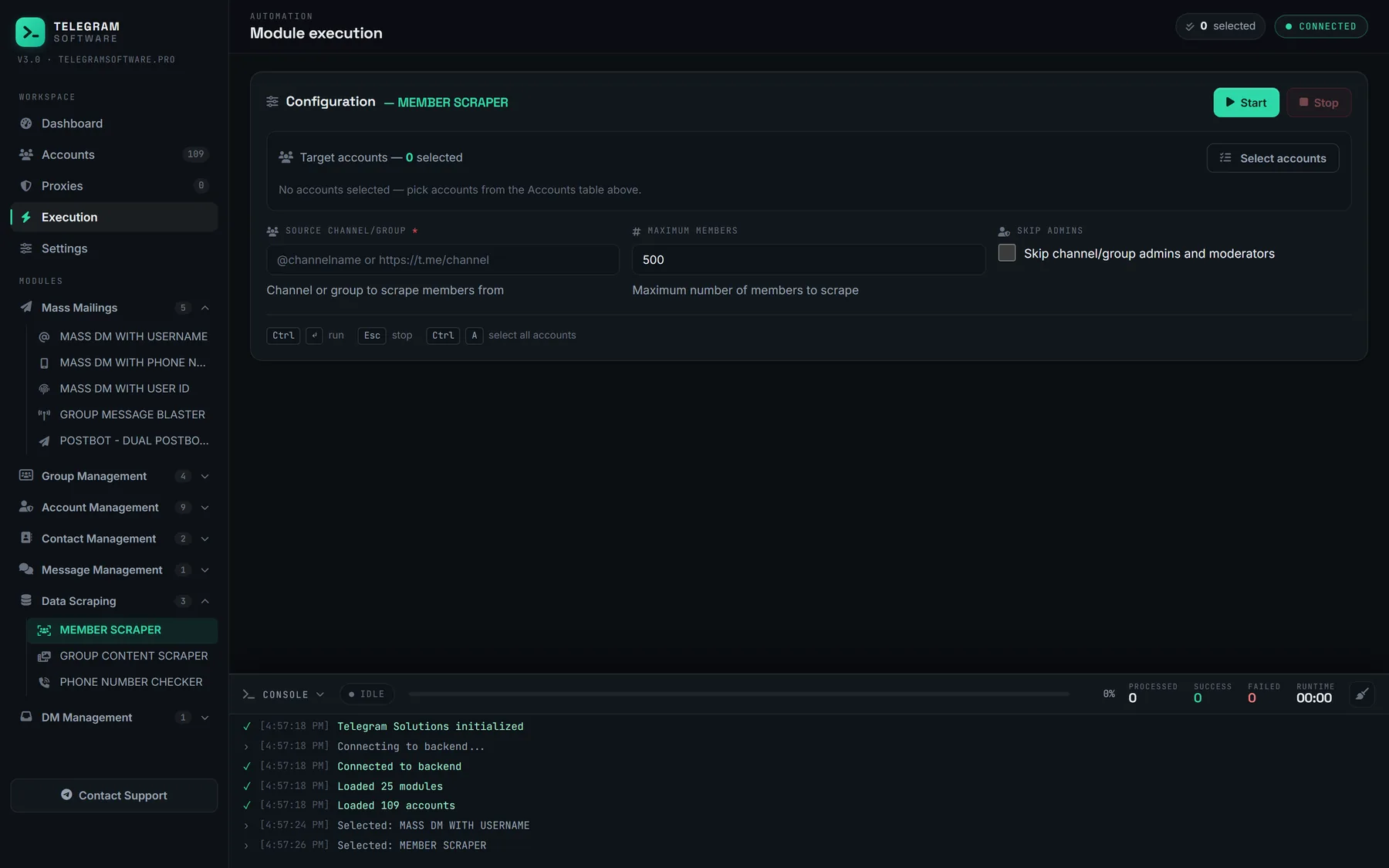
Groups are more open. The member list tags the owner, and admins stay listed even with Hide Members on, unless the owner picked Remain anonymous, which drops them from the list. A channel's discussion group is a separate supergroup whose owner may not run the channel, and the names global search matches reveal nothing more. Our Member Scraper has a Skip admins switch because a group's list names its admins; a non-admin session gets no list from a broadcast channel at all.
Running the same transfer from a user session
Every app sends one request, and a user session can send it too.
That request, messages.editChatCreator, takes the chat, the new owner and a password field. The field carries an SRP proof computed from your Two-Step Verification password, so the server checks a password it never receives. The new owner goes in as a user ID with its access hash, so the sending session must have met them through a username or a shared chat. Each session in a pool is a separate login, made by a client under an api_id and api_hash, and the security check reads it like any other device: a session created this morning fails the 24-hour line.
Channel Owner Transfer, our module for this, sends that call from an account in your session pool. It suits channels created on one account that belong on another, which is common once you are running more than one account. It needs the owning account's password, as every client does. It does not skip the security check, does not make a session older, cannot move a chat without that password, and does not supply accounts.