The questions get typed a dozen ways — telegram proxy not working, telegram connecting to proxy, telegram socks5 proxy not working, is telegram proxy safe, how to use proxy in telegram, telegram proxy for pc — and they reduce to two: whether the fields match the server, and who sits in between.
Where are Telegram proxy settings on each app?
Under Data and Storage on a phone, under Advanced on desktop.
- Open Settings › Data and Storage › Proxy Settings on Android (just Proxy on an iPhone), or Settings › Advanced › Connection type in Telegram Desktop.
- Tap Add Proxy and pick SOCKS5 or MTProto; Desktop lists HTTP too.
- Enter server and port, then any SOCKS5 login or the MTProto secret.
- Save and read the status: Checking, then Available with a ping, or Unavailable.
A Telegram proxy link carries every field in one tap, in a format Telegram documents: t.me/proxy?server=…&port=…&secret=… or t.me/socks?server=…&port=…&user=…&pass=…. It uses the t.me scheme behind adding someone on Telegram without their number, but unlike chat invite links and join requests it joins nothing.
Telegram SOCKS5 vs MTProto: which one fits?
That depends on who the proxy serves.
A Telegram SOCKS5 proxy server is an ordinary SOCKS5 server that relays any connection. Its Telegram SOCKS5 credentials are a plain username and password, sent in cleartext under RFC 1929. Your messages stay encrypted by Telegram either way; the login does not, and neither does a t.me/socks link carrying it.
The other Telegram proxy, MTProto, speaks only Telegram's protocol. Its secret is 16 bytes in hex; an optional first byte picks the mode, dd for random padding or ee for TLS emulation with a domain appended. Anyone may run this Telegram proxy server, and its owner can pin a sponsored channel above your chats.
MTProto suits one person getting past a network that blocks Telegram. Giving each session its own SOCKS5 Telegram proxy is another job, one Telegram Desktop cannot do: its source, as of September 2026, keeps one app-wide proxy for every signed-in account.
Why does Telegram stay on Connecting to proxy?
Because Telegram has not answered through it yet.
Phones show Connecting to proxy…, Telegram Desktop shows Connecting through proxy…, and the list marks the entry Unavailable. TDLib, the client library Telegram maintains, tests a proxy by sending a request to Telegram's servers through it, and names what failed:
| Error text | What it points to | What to change |
|---|---|---|
| Wrong username or password | A SOCKS5 login the server rejects | Re-enter both exactly |
| Wrong proxy secret | A mistyped secret, or MTProto details in a SOCKS5 entry | Add it as MTProto, prefix intact |
| Connection timeout expired | No answer at that address, or a network dropping it | Check the port, then another network |
A reply like USERNAME_NOT_OCCUPIED is the opposite case: the request reached Telegram, so what a username not found reply actually means is a question about the name, never the proxy.
Can a proxy's owner read your messages?
No, but they can see your address.
Telegram's proxy documentation says an MTProto proxy's owner cannot read your messages or see the user ID behind your account but can log your IP address and when you connect, and the Desktop and Android apps warn about exactly that. No proxy changes whether your number turns up in a phone number search, either. Settings › Devices shows the last IP address Telegram saw per session, the list where ending an old phone's session stops deleted contacts coming back after a sync.
One proxy per session, and what it never changes
A pool turns the use of proxy in Telegram into an inventory. In our panel the Proxies view takes one entry per line, Protocol accepts SOCKS5, SOCKS4 or HTTP but not MTProto secrets, and Sharing on One proxy per account gives each session the least-used entry. Auto-assign before a module runs fills accounts that have none, and a run stops rather than connect an account left without a working one. Whether proxies bind per session is one of the pre-purchase checks for Telegram marketing tools.
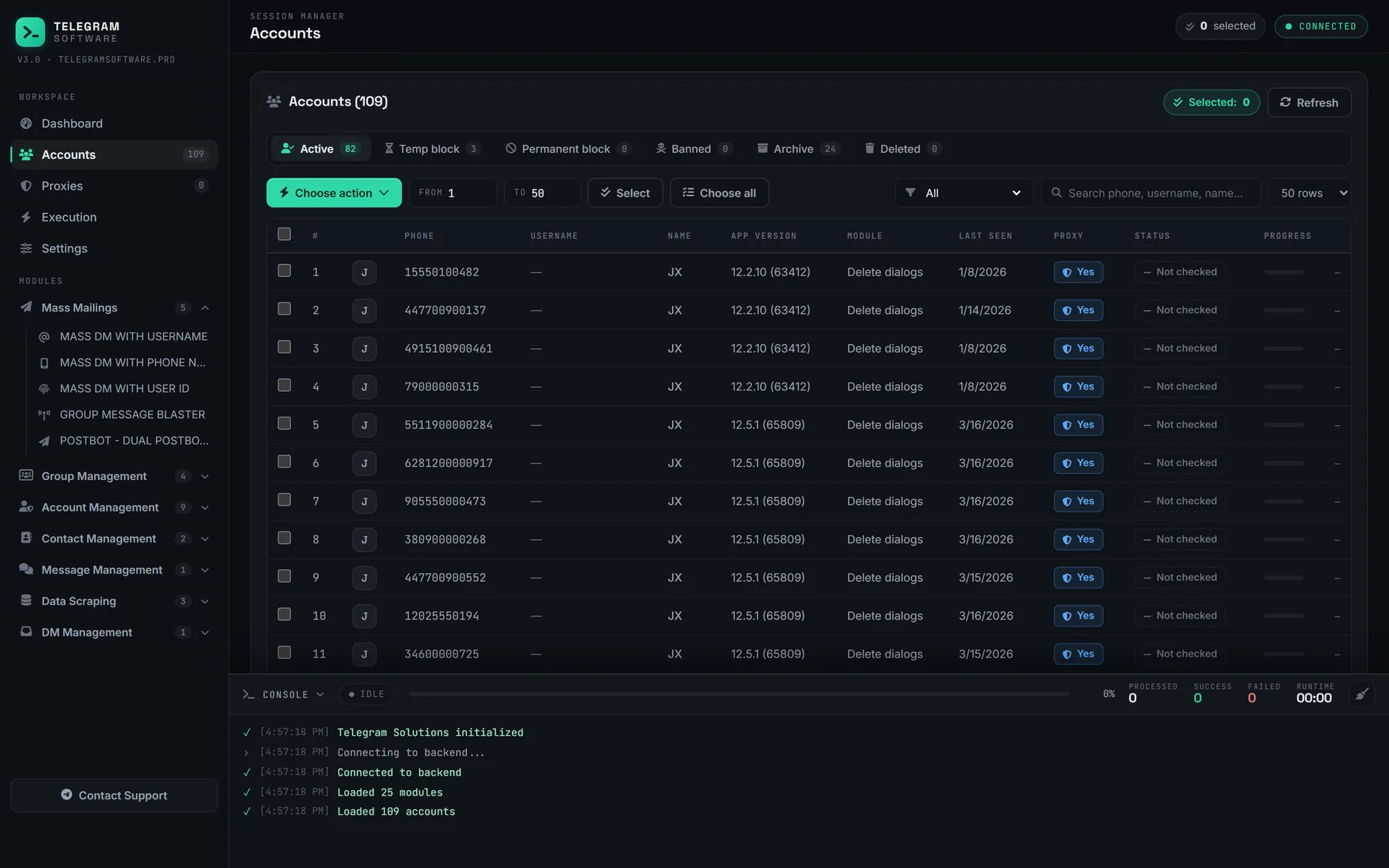
Each session holds its connection open through a run, which is also why an auto forwarder needs an always-on machine. None of that reaches the account itself: the joined-chat cap behind the errors a group blaster hits while joining counts its chats, the add errors that no waiting clears are other people's settings and fixed caps, the three ceilings on a bulk member run stay put, and Telegram's spam FAQ places limits on accounts.
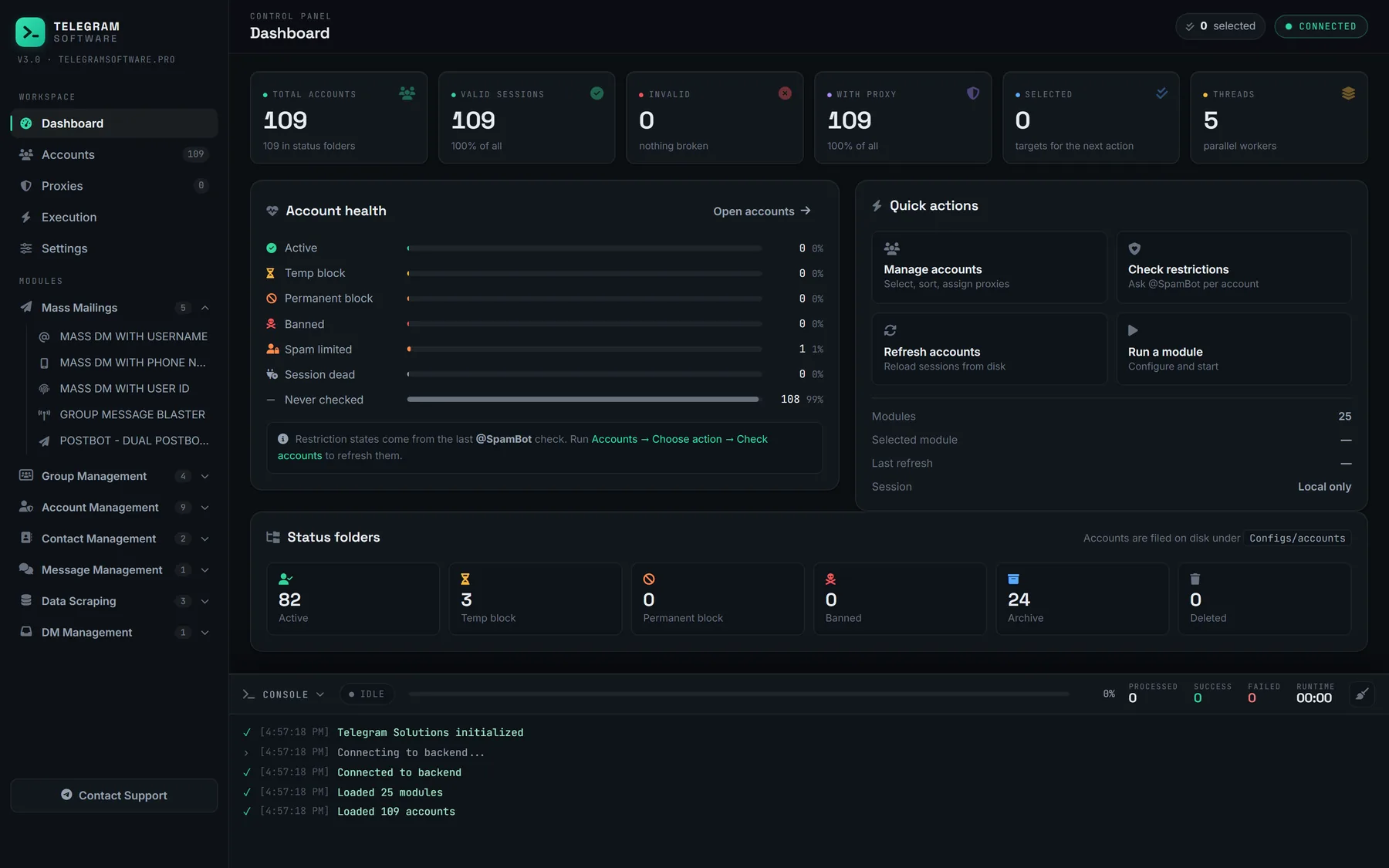
Telegram's Terms of Service never mention proxies. We sell no proxies, and no proxy makes an account undetectable.