Searches for it arrive as telegram org api id, telegram app id api hash, telegram api hash and id or plainly what is telegram api id, and all four want the same two values, the ones a user client has to present before Telegram lets it sign an account in. The api_id is a number that names an application. It is not the user ID Telegram files your account under, and the hash beside it is the application's secret.
How to get Telegram API ID and hash from my.telegram.org
Five steps, and the code never comes by SMS.
- Open my.telegram.org and enter the account's phone number in international format, country code first.
- Type the confirmation code. The login page sends it through Telegram rather than by text message, so it lands in an app already signed in to that number.
- Choose API development tools.
- Fill in App title and Short name, plus the fields in the table below.
- Press Create application. The page that follows lists App api_id, App api_hash and the MTProto server addresses.
Telegram's page on obtaining an api_id sets one condition before any of it: the account must have been signed up in an official app. Signing in there does not make the number searchable, since who can find your account by its number is a privacy setting this page never touches.
Scripts and bots that offer to fetch the pair for you work by asking for that same login code, which also opens the page where the account can be deleted. Type it into nothing but my.telegram.org.
What the form asks for, and the one rule Telegram wrote down
Five fields. Only one of them carries a written rule.
| Field | What to put in | Editable later | Where the rule comes from |
|---|---|---|---|
| App title | A plain name; “Telegram” only after “Unofficial” | Yes | API Terms, 2.3 |
| Short name | Lowercase letters and digits, 5–32 long | Yes | Observed, not published |
| URL | Nothing | No | Telethon guide |
| Platform | The client you build or run | No | Observed, not published |
| Description | Optional | No | Observed, not published |
The title rule is section 2.3 of Telegram's API Terms of Service, which also bar the official logo and require each app to obtain its own api_id. The Telethon sign-in guide adds that the URL can stay empty and that only the first two fields change after creation. The short-name range is what forum threads and third-party guides repeat, and Telegram has never published it. It looks like the character rules every username must pass, but a short name never becomes a searchable @handle.
Which telegram api id and hash error are you looking at?
Two surfaces fail, and only one explains itself.
The telegram api development tools error is a browser alert holding one word, ERROR, shown after Create application, and Telegram's documentation never mentions it. The alert carries no code, so there is nothing to look up beyond the word itself. The nearest thing to an official answer came from TDLib's maintainer on Telegram's own Bot API server repository in June 2024: automated creation is meant to fail with exactly that response, and if it fails from your home IP address, the only option is to register from somewhere else. Everything beyond that is folk diagnosis. Forum threads blame a VPN whose country does not match the number, an ad or script blocker, an account signed up days earlier or on a virtual number, and a title that is generic or contains the word Telegram.
We would change one thing per attempt: VPN and blocker off, then another browser, then a distinct title, then a different network such as a phone's mobile data. Leave a day between rounds, which is the lock-out window those same threads describe after repeated failures.
A telegram api id error from a client is a different animal, because it arrives as a named RPC error that the auth.sendCode reference documents. API_ID_INVALID means the id and hash do not belong together: a mistyped hash, an id from one app beside the hash of another, or the two swapped in a config file. API_ID_PUBLISHED_FLOOD means the id was published somewhere and can no longer be used, which catches a sample id copied from a library, a key pushed to a public repository or one shipped inside a cracked build. That last case is only half of what a cracked blaster does with your logins. Unlike a flood wait, it carries no timer.
The rest of the sign-in path is about the account. PHONE_CODE_EXPIRED, SESSION_PASSWORD_NEEDED and FLOOD_WAIT_X turn up with a perfect pair, and ACCESS_TOKEN_INVALID belongs to bot tokens.
One api_id per phone number, and it is not a bot token
Telegram states the rule without a reason. Its developer page says each number can have only one api_id connected to it “for the moment”, and that developer notices go to that number, so it should belong to an account you still use.
The rule limits applications per person, not accounts per application. Telethon's guide says the pair belongs to your application rather than your phone number and works with any number, bot accounts included, so one telegram api id and hash can sign in many accounts. Software that signs in with a phone number is built on exactly that, which is also why one leaked pair stops new sign-ins for every account relying on it. Treat the hash like a password: Telegram's method reference calls it the application secret hash, and the Telethon and Pyrogram guides both say to keep it out of anything shared.
There is no route around the number either. The developer page opens only for a number already signed up in an official app, so a team that wants a pair of its own needs one working account first — and gets exactly one pair for it.
Telegram watches the other side. The same page says accounts that log in through unofficial API clients are put under observation automatically, and that using the API for flooding, spam or fake subscriber and view counts gets the account banned forever. The Terms of Service rule out spam for every client, official or not.
A bot token is a different key for a different door. @BotFather issues it, and the HTTPS Bot API takes it alone, with no api_id anywhere. A bot that logs in over MTProto through Telethon or TDLib still needs an api_id and hash beside its token, as Telegram's notes on bots over MTProto say. Some methods refuse bots whichever key they carry. Global search is one, and it serves accounts finding public Telegram groups to join rather than private ones. Saving a contact is another, which is why saving a person by username or number always runs through a user session. Writing to a bare number is the same story: messaging a number you never saved works only from an account, and only if the owner's setting allows it.
Can you delete a Telegram API ID and hash?
Not in any way Telegram documents.
Anyone asking how to delete telegram api id and hash finds no delete control described anywhere and no way to regenerate the hash. TDLib's maintainer answered it in a 2018 issue thread: the hash cannot change without a new app_id on a new account, after which every session signs in again. Deleting the account itself is documented, through telegram.org/deactivate, but no page says it removes the application, and it takes every chat and contact with it.
The logins are the part you can end. Settings → Devices lists each session with the app and version that created it, the record Telegram keeps as an authorization with an api_id per session, and terminating one forces a fresh sign-in. That screen also finishes deleting contacts so they stay gone. If a telegram api hash leaked, close every session you do not recognise and keep the pair out of anything public from then on.
Is the Telegram API free?
Yes, for both halves. People searching telegram api id and hash free often expected a paywall, and there is none: the API terms say Telegram offers its API free of charge, and the Bot API costs nothing either. So is telegram api free in every corner? Two surfaces carry prices. The Gateway API charges $0.01 per verification code it delivers. A bot that needs more than about 30 messages a second can switch on paid broadcasts, added in Bot API 7.11 in October 2024, which reach 1,000 a second at 0.1 Stars per message once the bot holds 100,000 Stars and 100,000 monthly users.
Free is not unlimited. Accounts signed in under a free pair still meet the refusals every member add runs into, and changing the key moves none of them. Money in a multi-account setup goes on numbers, proxies and software, which here means a monthly licence for the client software, never on the api_id.
What is my telegram api id once a session exists?
Whichever pair the session was signed in with.
For an application you registered, my.telegram.org shows the pair on every visit. For an account loaded as Session + JSON, the .session file holds the login and the JSON beside it records app_id and app_hash, the pair that session was created under, so reading app_id there answers the question. On a phone with no JSON in sight, Settings → Devices names the app behind each session, which is as close as the official apps come to showing the number. The JSON itself is a login record, and it has nothing in common with the result.json file a chat export writes, which holds messages.
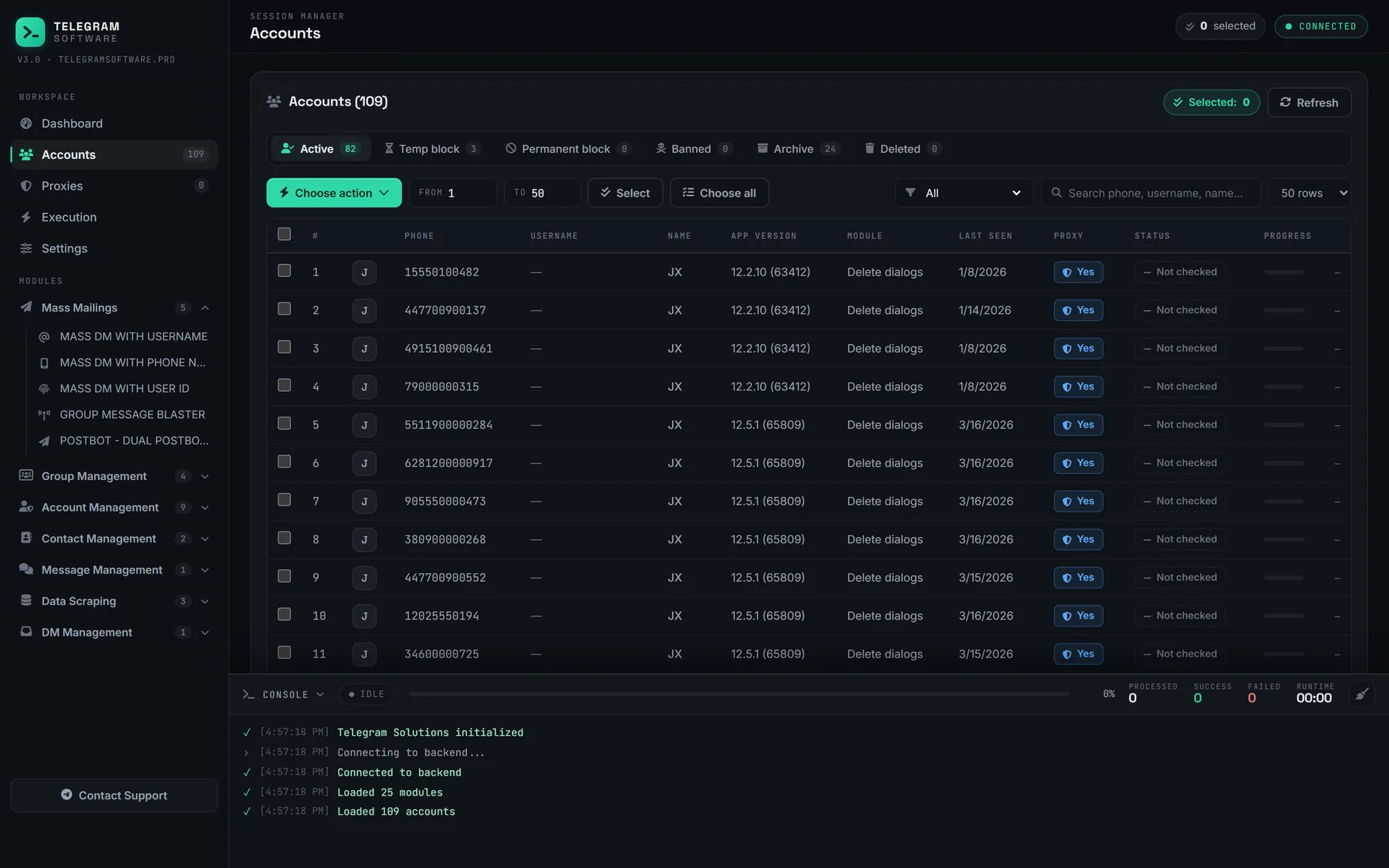
Our panel reads the pair from the JSON when a session loads, and Check Accounts reports which sessions still answer before a run starts instead of after it fails. A proxy assigned per session changes the address a login connects from and leaves the pair alone, so giving each session its own proxy is a routing choice. A bulk run spreads one list across many sessions, each with its own JSON, and the list checks before a bulk member run decide far more than which pair signed anyone in.
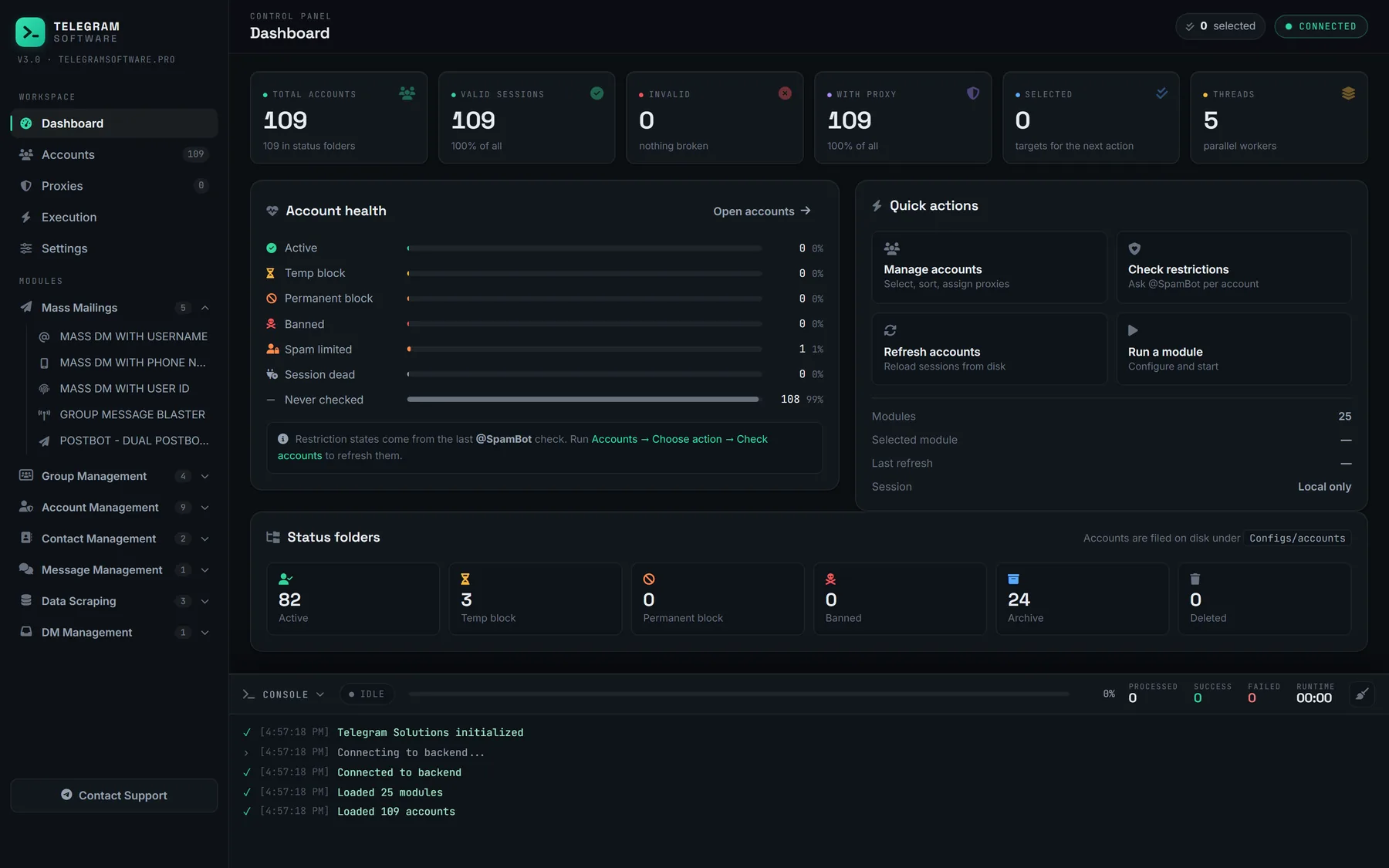
The panel's own limits take one sentence. It does not issue api_ids, put a second one on a number, supply the accounts or proxies behind a session, or lift a limit Telegram applies to an account.