Does a telegram add member bot exist on the Bot API?
No. There is no method for it.
Read the Bot API method list from top to bottom and every membership verb on it is custodial: getChatMember, getChatMemberCount, getChatAdministrators, banChatMember, unbanChatMember, promoteChatMember. Each acts on somebody who is already inside. Nothing accepts a user ID and puts that person into a group, and the gap is a decision rather than an oversight.
So the product sold as a telegram member add bot signs in as a user, and every call it makes is attributable to a person's account rather than to a token. The same shape turns up in every module note we have written: the bot label sells the listing, a user session does the work.
The rule that keeps a bot from adding anybody is the rule that keeps it from messaging a stranger first, which is why a bulk DM run has the same shape underneath.
What a bot can do instead is open the door
It hands out the key. It does not walk anybody through.
The same page that has no add method carries a complete invite-link surface. createChatInviteLink takes a member_limit, documented as the maximum number of users who can be in the chat after joining through that link and capped at 99999. It also takes creates_join_request, which turns the link into an application queue instead, and the two are mutually exclusive — a link that produces requests cannot also carry a limit. Approving what arrives is approveChatJoinRequest, which a bot can only call while holding the can_invite_users right.
That is a genuine, supported, bot-shaped way to grow a channel, and it runs in the opposite direction to the one people search for. The person decides to join and the bot processes the decision. A link cannot be pointed at a list of usernames, and a list of usernames is what every buyer in this category already has.
Why does one search return two different operations?
Because the phrase honestly describes two of them.
Type telegram bot add member to channel or telegram bot add member to group into a search box and half the page explains how to add a bot as a member of your own channel — the reverse operation, answered correctly by tutorials about something else entirely. Nothing in either query separates the two.
The meaning people came for gets renamed endlessly. A bot add member telegram package, a telegram add member bot, an add member bot telegram service, an add member telegram bot, a telegram channel add member bot pitched at broadcast owners — five listings, and underneath all five sits one account making one call.
Which of the two you meant decides what to expect next. One is a five-minute setup that puts nobody's account at stake. The other is a run a real account has to survive.
Two different 200s, and vendors keep mixing them up
Both numbers are documented. Neither one is quite what gets quoted at you.
The first belongs to basic groups. Telegram's channel documentation states that a basic group can only have 200 members at max, while a supergroup supports up to 200,000. A basic group is not a small supergroup; it is an older object, and clients migrate one into the other when an admin tries something only supergroups support. Reaching that 200 has nothing to do with how fast anybody was adding.
The second is the one people actually mean, and it is narrower than the folklore. TDLib, Telegram's own client library, documents its add-members call with a sentence that settles most of the argument: members cannot be added to a channel once that channel has more than 200 members. Channel, not group. Past that point an invite link is the only route in, which is how one results page manages to carry both "6,000 members a day" and "it stops at 200" without either claim noticing the other. They are describing different chat types.
The same file carries the per-call ceiling: twenty users per request for supergroups, one hundred for channels.
What none of that is, is a rate limit. Waiting does not clear either 200. A fresh proxy does not, a warmer session does not, and a longer Delay between targets does not. An architectural cap and a flood wait feel identical from inside a stalled run, because both of them look like the counter stopping, and they call for opposite responses: one says slow down, the other says stop adding and grow with links from here. Two of our own modules sit on either side of that line, and both live in the Groups section of the module catalogue.
Telegram publishes no per-day add figure anywhere. Every number circulating in this category, whether it is fifty a day per account or ten an hour or a warmup in weeks, is a vendor claim or a community observation, and we would rather label it that way than repeat it as policy.
Why won't Telegram let you add a member?
Usually because that person already said no, in a setting they changed months ago and have long since forgotten about.
The invite method's error list reads as a list of refusals rather than a list of faults. Telegram describes USER_PRIVACY_RESTRICTED as the recipient's privacy settings not allowing it, and USER_NOT_MUTUAL_CONTACT as the provided user not being a mutual contact. Sitting beside them is USER_CHANNELS_TOO_MUCH, for somebody already in too many channels and supergroups. Not one of those three has anything to do with your pacing, your proxy or the age of your account.
| What comes back | What it means | Does slowing down help? |
|---|---|---|
| USER_PRIVACY_RESTRICTED | The recipient's own privacy setting forbids it | No |
| USER_NOT_MUTUAL_CONTACT | The two accounts are not mutual contacts | No |
| USER_CHANNELS_TOO_MUCH | They already belong to too many channels | No |
| USER_ALREADY_PARTICIPANT | They are in the group already | No |
| FLOOD_WAIT_X · observed | Wait the stated number of seconds, then continue | Yes |
| PEER_FLOOD · observed | The account is limited for unsolicited contact | Not on its own |
Rows marked observed come from client libraries and from watching runs, not from Telegram's published error table for these two methods.
Look at what is missing there. Neither FLOOD_WAIT_X nor PEER_FLOOD appears in the documented errors for either add method. That does not make them imaginary, because every client library reports both and any operator has met them, but it does mean the thresholds behind them are nobody's published policy. One account's restriction state is also shared across everything it does, so a session that just collected a wait here is the same session a reporting run would draw on.
Filtering is the one lever that reliably moves the accepted count, and it works before the adder rather than after it. Only users with a username and Skip deleted accounts drop rows that were never addable, which is cheaper than learning the same thing one refusal at a time. Where the list came from decides more about the outcome than any delay setting will.
How many members can one account add in a day?
There is no number, and anybody quoting one is quoting themselves.
The automated framing carries a shelf of listings of its own — bot auto add member telegram, telegram auto add member bot — and what they are really selling is unattended pacing. That part is real and worth having. In the August 2026 build our Member Add module spreads a username list across the session pool, holds a per-account cap, randomises the interval between calls and backs off a flood wait rather than retrying into it. None of that moves the ceiling, which is enforced on Telegram's servers against every client making the call, ours included.
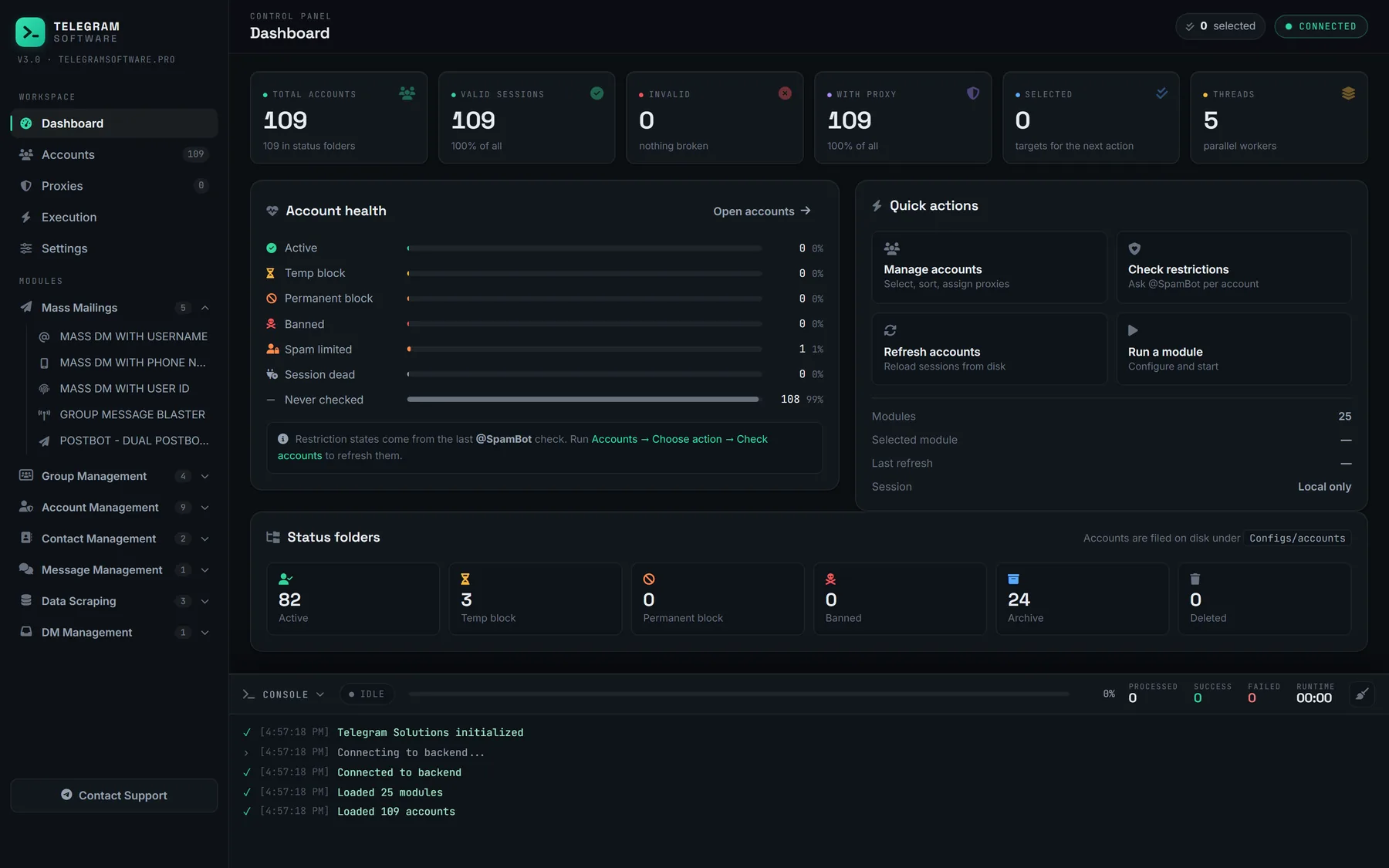
The honest limits are short. This software lifts no Telegram limit, it does not supply accounts or proxies, it cannot put anybody into a channel past the wall TDLib describes, and it cannot argue a privacy setting into changing its mind.
Two boundaries are worth reading in the original rather than taking from us. Telegram's API credentials page says that using the API for flooding, spamming or faking counters gets the account banned forever, and notes that each number carries a single api_id. The Terms of Service ask you to agree not to send spam or scam users. An invitation nobody asked for is the case both documents were written about, and spreading it across more accounts changes nothing about what the person on the other end receives.
If the question is what a licence includes, one plan covers every module. If it is whether a particular list would survive a run at all, send us the shape of it first — that answer is free and usually short.