Most walkthroughs of how to add someone in Telegram blur two separate acts. Opening a chat needs nothing but a handle, as our guide to sending a DM from a group, a channel or a username shows, and saving a person to your contacts does not message them. The add changes your side: a name in your list, their number if they allow it, and a mutual-contact status that some later operations check without telling you.
The question gets typed a dozen ways — telegram add by username, telegram adding by username, telegram how to add by username, how to add telegram by username, how to add people on telegram by username, how to add someone on telegram by username — and every version ends on the same screen, because a username is a public address rather than a contact record.
Telegram add contact by username, and why no number is needed
Search the handle, open the profile, save it. That is how to add someone on Telegram with username alone, on a phone or on Telegram Desktop.
- Tap search above your chat list and type the username, with or without the @.
- Pick them from the global results and open the profile.
- Open the ⋮ or More menu and choose Add to Contacts.
- Keep or edit the name, decide on Share my phone number, and save.
That also settles how to add someone on Telegram without number. Telegram's addContact reference says the phone field "may be omitted" for this case, and marks the method user-only, which is why a bot, confined to what a bot can reach on its own, cannot save anyone for you.
Nothing reaches the other side until you write. A first message from someone unsaved opens with a bar offering to add, block or report spam, and recent apps show the sender's registration month and number country beside it. Where a report from that bar goes is what happens to a spam report once it is filed.
How do you add someone on Telegram with only a phone number?
Save it as a new contact, and let Telegram decide whether the person behind it can be found.
Telegram add contact by phone number is the older route. Open Contacts, tap the add button, enter a name and the number in international format, and save. A registered owner who allows it appears at once. Contact sync does the same for your whole address book.
Allowing it is the catch. Under Settings → Privacy and Security → Phone Number, Who can find me by my number takes only two values, Everybody or My Contacts, and Telegram resolves a number only "if their privacy settings allow it". A number hidden that way leaves the searcher nothing to tell it apart from one that was never registered. Saving each other is what makes two people mutual contacts, the status behind the mutual-contact refusal a group add returns. If the number is not on Telegram at all, the app offers an invite instead, the literal answer to how to add someone to Telegram who is not on it yet.
QR codes and t.me links skip the typing
Any profile with a public username has a QR code, and scanning it opens that profile for the same save step. Since December 2022, someone with no username who hides their number from everyone can show a temporary code instead. Telegram's deep-link reference applies the same rules to links: a t.me/+ link carrying a number goes through the privacy check a number search does, and a t.me/contact/ link has an expiration date. Sharing your own link is the consent-shaped route, the logic behind an invite link, which waits for the other person to act.
Why can't you find the person you are adding?
Usually one of four reasons, and only one of them is a typo. The follow-up to how do I add someone on Telegram is nearly always this empty search.
| What you see | Likely cause | What to do |
|---|---|---|
| No result for a username | A typo, a changed handle, or under five characters | Ask for their t.me link instead of retyping |
| A number finds nobody | Not registered, or findable by contacts only | Ask for a username or a QR code |
| No Add to Contacts in the menu | Already saved, or the result is a group or channel | Check Contacts, and join groups instead |
| A QR code will not scan | A temporary code past its expiry | Ask them for a fresh one |
Handles run five to 32 characters of letters, digits and underscores, with capitals ignored, and one nobody holds comes back from the API as USERNAME_NOT_OCCUPIED, an empty screen in the app. Exported lists go stale the same way, which is part of what a member export actually contains.
Telegram import contacts: what changes when you add in bulk
At volume, adding becomes a different call.
Bulk adding by number, covered in full under importing a whole number list as contacts, runs through contacts.importContacts, the call behind address-book sync. Its response carries a retry_contacts field, which Telegram's own reference describes as contacts that "could not be imported due to system limitation and will need to be imported at a later date". That is the entire published limit. No batch size, no daily figure; the per-day numbers vendors quote are observations, not policy. One developer's TDLib bug report from January 2021 shows a batch of 500 to 1,000 contacts answered with "retry after 3600": an hour.
Usernames never touch that call. Each is resolved to a user, then saved with contacts.addContact, and a wait on either comes back as FLOOD_WAIT_X. An import is one-sided, so it makes nobody a mutual contact, and Telegram's spam FAQ says a limited account can message only people who have its number saved, and reply to anyone who writes first: the ceiling messaging a username list at volume keeps meeting.
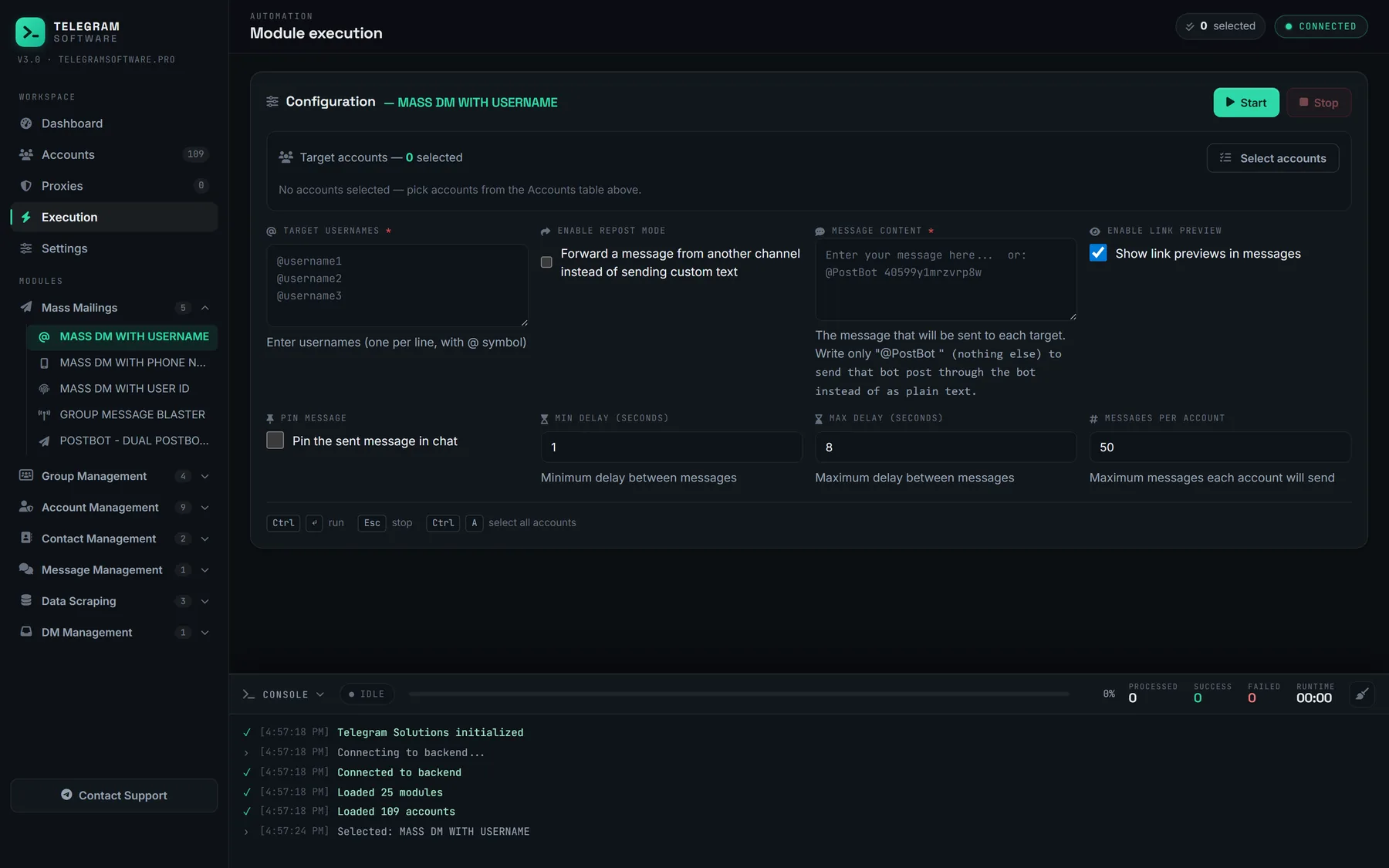
Our Add Contacts module takes a list of numbers or usernames, spreads it across the session pool accounts you pick, holds a per-account cap with a randomised delay, and waits out a flood wait rather than calling again inside it. Delete Contacts empties the address book afterwards.
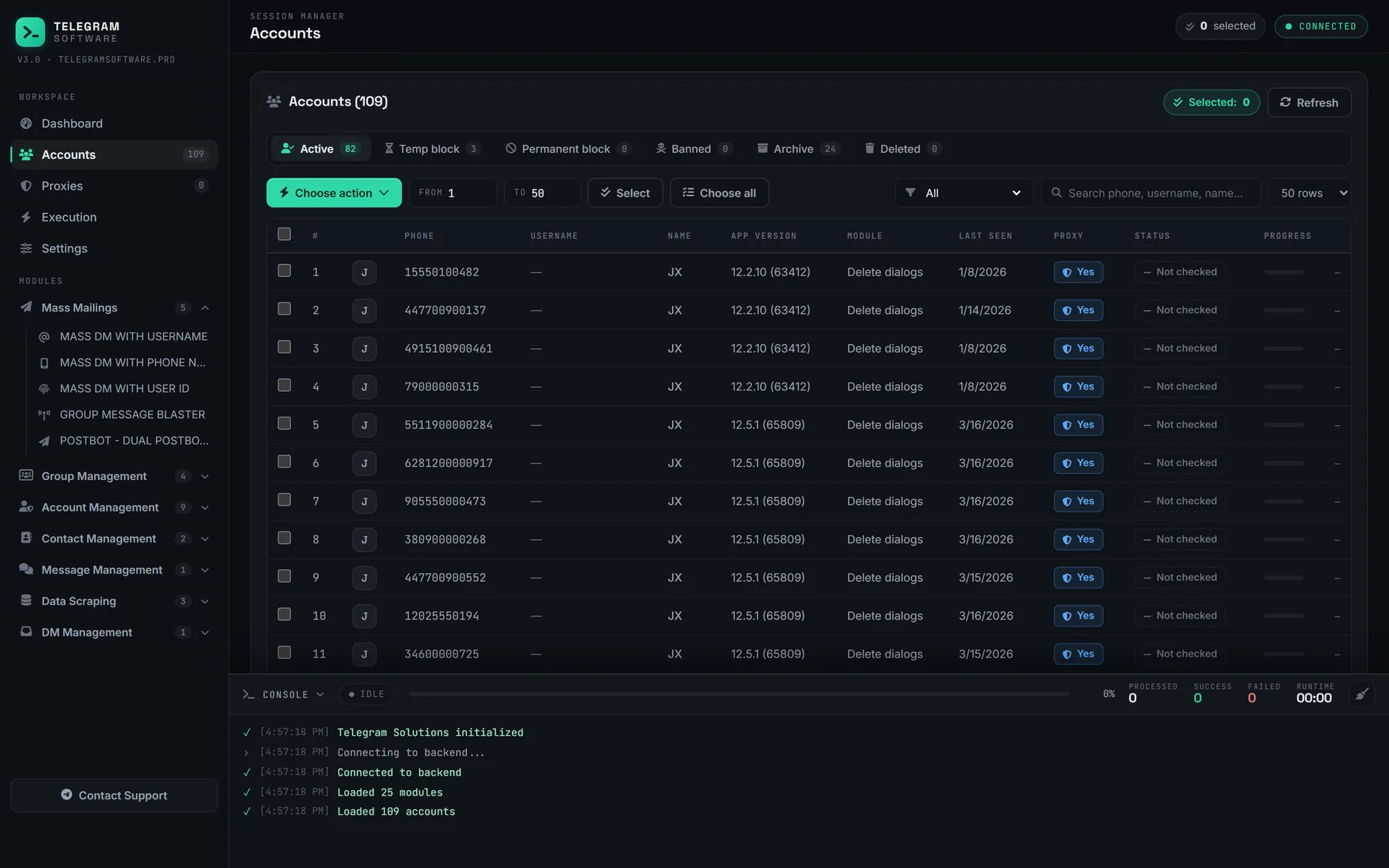
It cannot find a number whose owner hid it, cannot make anyone a mutual contact, lifts no Telegram limit and supplies no accounts or proxies. A phone list is personal data, and importing strangers to message them is direct marketing under GDPR, CAN-SPAM and their equivalents, which needs a lawful basis no software provides. Telegram's Terms of Service bind every account doing the importing.
An address book is not a group, either: moving people into a chat is adding people to a group in bulk, and broadcasting to rooms is posting into groups instead of inboxes. Because both contact methods are user-only, whether a tool signs in as a bot or an account settles what it can do here.