People look for this under a pile of names — a telegram dm manager, a telegram inbox tool, a telegram inbox manager, a telegram multi account dm tool, a telegram multi account reply tool, a telegram multi account chat manager — and most of the pages that answer are selling something else: a helpdesk screen for one bot. Both kinds of product are real. They solve opposite problems, and the difference decides whether the tool can see your messages at all.
Is a Telegram shared inbox the same thing as a multi account inbox?
No. The two point in opposite directions.
A telegram shared inbox, sold just as often as a telegram team inbox or a telegram unified inbox, puts several people behind one identity. The vendor asks for a bot token from BotFather, customers write to that bot, and each agent answers from a web dashboard with assignment, tags and saved replies. It is a good design for support. It also inherits the bot's limits, and Telegram's bot documentation states the first one flatly: bots can't start conversations with users. A bot sees the chats people opened with it and the groups it was added to. It has no view of the private chats of your own accounts, which is the same wall every forwarding bot stops at. Fully automatic answers are a different job again, and who each Telegram auto reply layer can answer depends on whether the reply comes from Business settings, a bot or the account itself.
A telegram multi account inbox is the reverse: many identities, one operator. Ten accounts each hold their own conversations, with people who wrote to that account and not to a bot, and the tool's work is to bring those ten chat lists to one screen without mixing up who is talking to whom. Nothing in the Bot API does that, because none of those chats belong to a bot.
Telegram Business sits between the two. A Business account can attach a bot that will, in the words of the Business documentation, process and answer messages on its behalf. That gives one account a programmable inbox. It is still one account per connection, switched on inside each account's own settings.
| Approach | Whose chats it reads | Who can open the chat | Identities | Where messages land |
|---|---|---|---|---|
| Official app, several accounts | Each account's own | You or them | Three per app, more with Premium | A separate chat list per account |
| Bot-based shared inbox | Chats opened with the bot | Only the customer | One bot, many agents | The vendor's dashboard |
| Business connected bot | One account's private chats | You or them | One account per connection | The bot's own back end |
| User-session inbox | Private chats of every loaded account | You or them | As many as you load | One control group |
Which one you need is decided by where the conversations already are. When customers reach you through one public handle, a bot-based helpdesk is the right purchase and nothing in this article improves on it. If the conversations are spread across accounts, because each account posted, joined or wrote somewhere under its own name, no helpdesk can reach them. The login screen tells you which kind of product you are looking at before any feature list does: it asks for a bot token, or it asks for a phone number and a code.
How do you inbox someone on Telegram?
You open a private chat with them. Telegram has no inbox as such.
"Inbox me" is borrowed from other platforms; here the equivalent is a one-to-one chat, and every route to it starts from something that identifies the person. Telegram's FAQ names the two official ones: people in your phone contacts who use Telegram, or a username typed into the search field. So the plain answer to how do you inbox someone on telegram is to search their @username, or open their t.me link, and write in the chat that appears. With only a phone number to go on, saving the person as a contact first is the usual way in, though a number that brings up no profile often means the owner hides it, not that the account is missing. There is also a link that opens the chat with nothing saved.
Two settings on the other side can still refuse the message. A recipient with Premium may accept new chats only from contacts and Premium users, and some accounts charge Stars for a message from a stranger. Neither is a fault in your app.
What the official apps do with several accounts
They keep them apart. Each official app holds three accounts and opens one more slot per account that pays for Premium, and every one of those accounts has its own chat list, its own folders and its own unread counter. Notifications can arrive for all of them, but reading and answering means switching, one account at a time. Chat folders sort the chats of the account you are in. Folders do not reach across accounts.
Past the cap, people stack copies: a second device, the web app, or portable copies of Telegram Desktop with a tdata folder each. It works, and at fifteen or twenty accounts it turns into a row of windows in which the unanswered message is whichever one nobody happened to click. That is the gap the searches telegram multiple accounts inbox and telegram inbox for multiple accounts are reaching for. The apps were built for a person with a work number and a personal one, not for a desk that answers on behalf of thirty.
How a multi account inbox works over user sessions
It runs each account as a logged-in session and listens.
A user session is a full client. It signs in with the account's number or an existing session file, under an api_id registered at my.telegram.org, and from then on Telegram delivers that account's new messages to it as updates, the same stream a phone receives. The updates documentation, as we read it in October 2026, covers the catch-up side as well: a client that was offline calls updates.getDifference on startup and is handed what it missed. So an inbox tool does not poll thirty chat lists. It holds thirty connections open and waits.
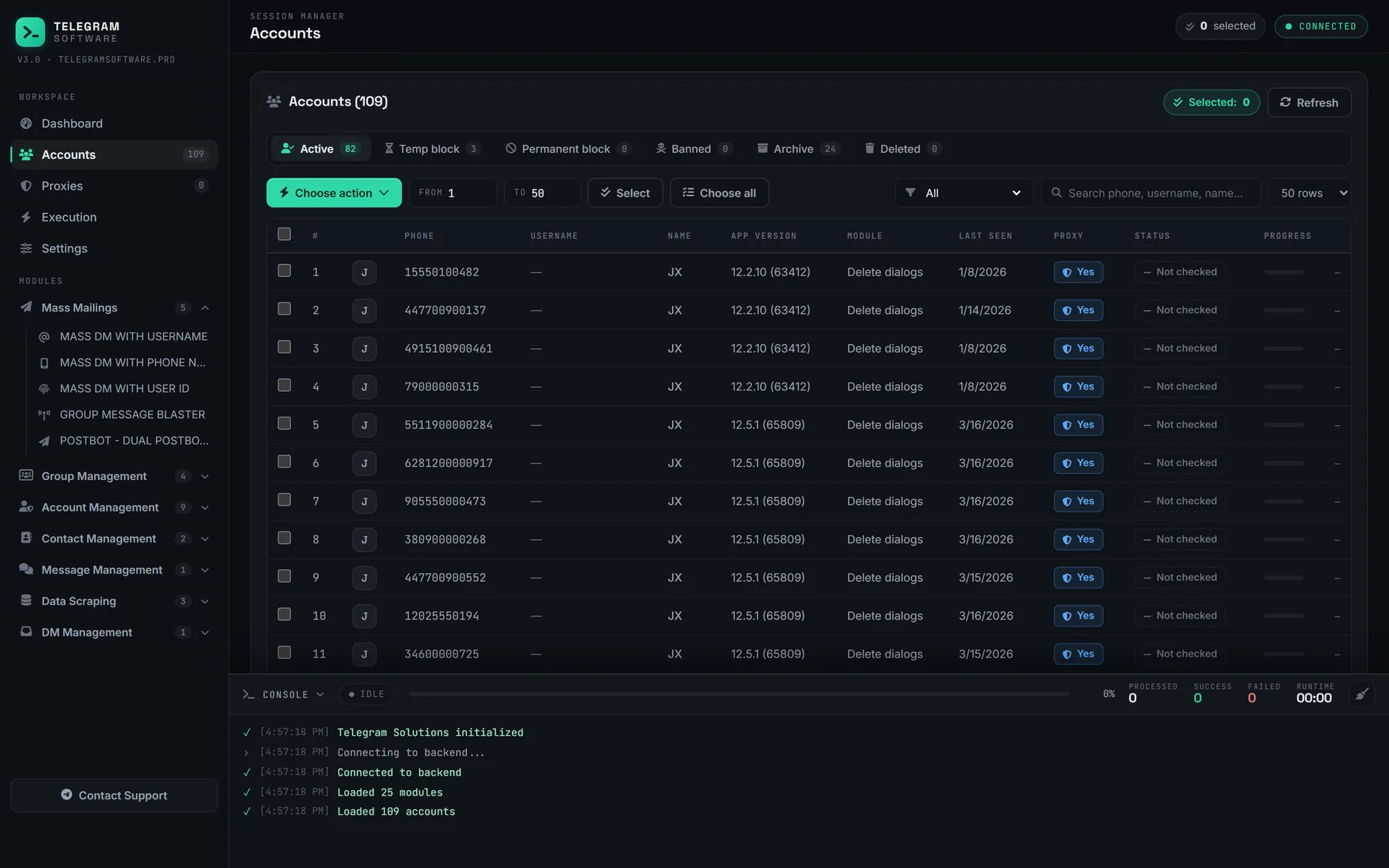
Our module for this is DM Hub, and it is all that telegram dm hub means on this site. It forwards the incoming private messages of every loaded session into one control group, an ordinary Telegram group that you own, and a reply written in that group goes back out from the account that received the message. The person on the other end sees an answer from the account they wrote to and never sees the group. Answering from the wrong account, the standing risk of the row-of-windows method, stops being possible to do by accident, because the reply is tied to the message and not to whichever window was in front.
The forward itself follows Telegram's rules, not ours. A forwarded message normally links back to its sender, which is what lets you open the profile and note the numeric user ID that outlives a changed username. A sender who restricted forwards breaks that link: since a 2019 update, Telegram shows such a person as a display name in plain unlinked text. Secret chats stay out of reach altogether. Telegram's FAQ describes them as device-specific and not part of the cloud, so one that lives on a phone is never delivered to another session.
The copy in the control group is a separate message. If the sender later deletes the original for both sides, or you end up wiping an account's private chats in bulk, the forwarded copy stays where it is until someone removes it from the group. Reading the group needs nothing but membership: a teammate who joins it from a personal account sees the forwarded messages there and never touches a session file. The group is also a single point of ownership, so decide early which account owns it. Handing a group or channel to a new owner has a security wait of its own, and a control group owned by an account you later lose is awkward to recover.
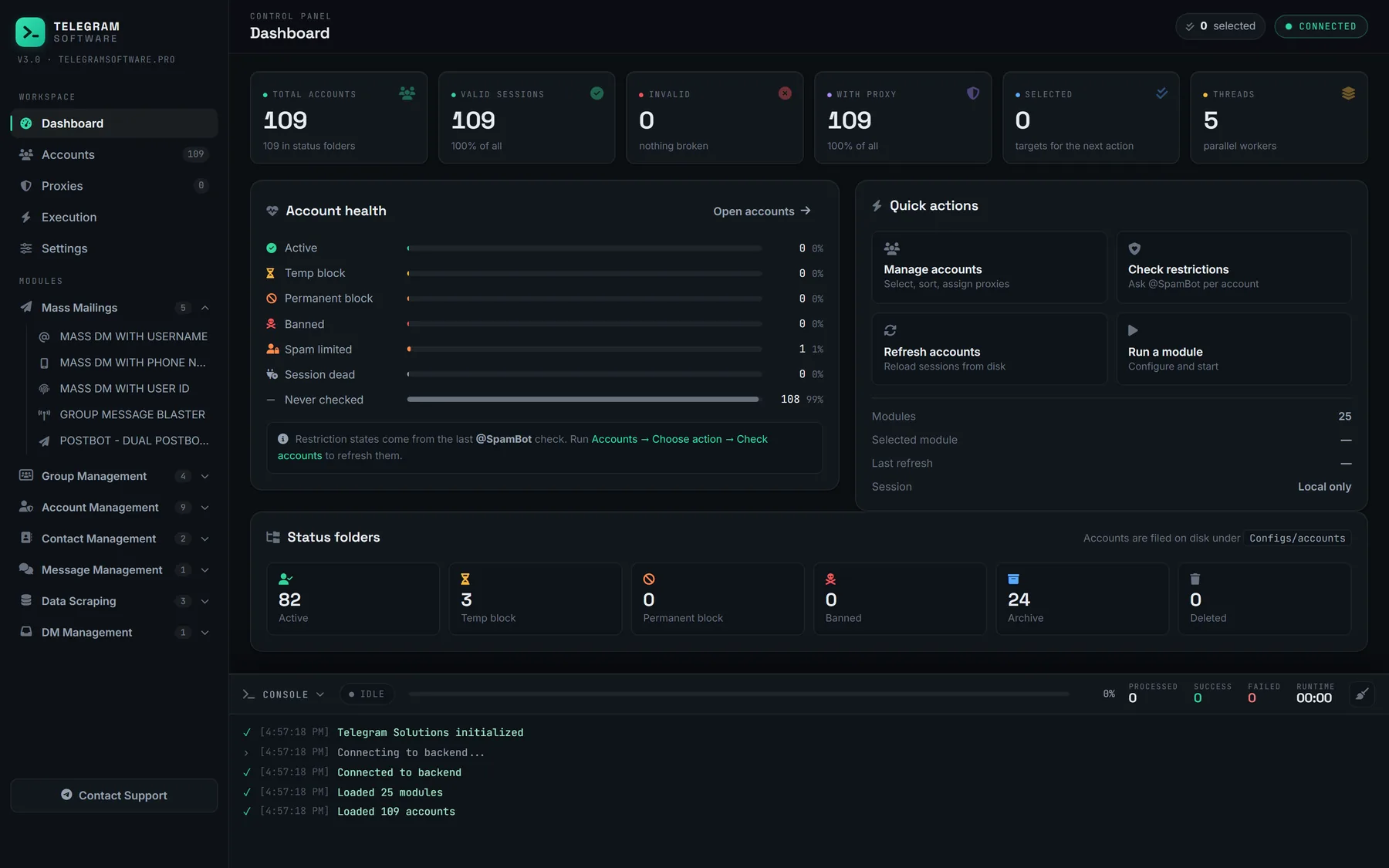
A reply is still a send. Each answer leaves from the receiving account under that account's own limits, and when Telegram returns FLOOD_WAIT_X, the only correct response is to wait the stated seconds; our pacing engine backs off on a flood wait instead of retrying into it. A desktop tool also forwards only while it runs. Messages that arrive while the PC is off are not lost, since they sit in each account's chat list on Telegram's servers, exactly where the official app would show them.
Can you forward Telegram DMs to a channel automatically?
Not with anything built into Telegram. No setting in any official app forwards incoming private messages anywhere, and a bot added to your channel cannot fetch them, because it has never seen your private chats. The search telegram forward dms to channel has one working answer: a client signed in as the account receives the message and forwards it, which is what a user session does.
Whether the destination should be a channel is a separate question. A channel is a broadcast surface where only admins post, so it works as a read-only log, and a telegram lead inbox of that kind suits a manager who only watches. Answering needs a place where several people can write and where it is visible who wrote. That is a group, and it is why DM Hub's destination is a control group. One naming trap: channels can now switch on direct messages of their own, where subscribers write to the channel. Those belong to the channel, not to your accounts.
Keep the destination private and small. Everything in it is other people's messages, with names attached.
Is a reply bot for multiple accounts within Telegram's rules?
Answering people who wrote to you is the least contested thing an account does. The rest depends on how those conversations started.
Start with the name. The search telegram reply bot multiple accounts describes something that is not a bot: no bot token is involved, and the sessions are user accounts speaking MTProto through a third-party client. Telegram's Terms of Service forbid using the service to send spam or to scam users, and that applies to whatever client the account happens to be signed in from. Nothing in those terms singles out a tool that reads your own incoming messages. Nothing blesses one either.
Replies have Telegram's own text on their side. Its spam FAQ says that even a limited account can always reply to anyone who messages it first. The inbound half of a multi-account operation is therefore the stable half. The outbound half is where restrictions come from: conversations that began with bulk first messages sent from user sessions or with posts pushed into every group an account joined arrive carrying whatever those sends earned, and a recipient who presses Report spam is judging the first message, not your polite second one. Unsolicited bulk messaging is what those reports exist to stop. Inboxes fill for ordinary reasons too. Accounts that sit in public groups anyone can find through search get written to by other members, and an account buried in chats it no longer needs is easier to read after leaving its stale groups in one pass.
What DM Hub will not do is short. It does not raise or bypass any limit Telegram applies, because those limits live on Telegram's servers. It does not read secret chats. It does not supply accounts or proxies. It does not turn the people who wrote in into a marketing list: their names and messages are personal data, the lawful basis for contacting them again is yours to hold, and deleting saved contacts from an account erases nothing that was already forwarded. And every session it runs shows in that account's device list, where anyone signed in to the account can end it.