Nothing in this category ships under one name. The same idea is sold as a telegram anti ban tool, an anti ban telegram dm bot, a telegram activity generator, telegram activity simulator software, a telegram user simulator or a telegram account simulator, and the pitch under every label is identical: install this and the account stops getting limited. No product can keep that promise, and the reason is where the decision gets made.
Does a telegram anti ban tool stop Telegram from limiting an account?
No.
Strip the label off and a telegram anti ban tool is three ordinary things. The first is pacing: a delay between actions and a cap on how many each account performs in a run. The second is wait handling, which means reading the FLOOD_WAIT_X error and sleeping for the stated time; Telegram's error reference defines it as a required wait of X seconds, returned when a method has been invoked too many times. The third, in some products, is an activity routine that has the account read and scroll between jobs. All three are sensible. Not one of them is a shield, because each acts on the sender's side and the limit is decided on Telegram's.
The gap shows most clearly in an anti ban telegram dm bot. Telegram's spam FAQ describes how a messaging limit comes about: recipients press Report spam, the messages are forwarded to moderators for review, and an account whose messages are judged to be spam is limited, for "a few days or so" the first time. A delay setting changes how fast unwanted messages leave, and whether the people receiving them press the button is outside its reach.
What Telegram can see, with or without the tool
Everything an account does reaches Telegram as a request, so the server's view is complete before any tool gets involved. It knows which application signed in, because every client carries the api_id pair its developer registered. It knows the address the connection arrives from, which is why operators set a fixed proxy route for each session and then leave it alone. It holds the number's history, the time and type of every call, and whatever other users have reported.
Telegram also says in writing that it is looking. The page where developers collect API credentials states that "all accounts that log in using unofficial Telegram API clients are automatically put under observation to avoid violations of the Terms of Service". Every multi-account tool is an unofficial client, ours included. Somebody who keeps two or three logins inside the official app is not in that group; a pool of sessions in third-party software is, from its first request and for as long as it stays there.
So telegram anti ban activity, however well it is built, adds requests to that record. It removes none.
A telegram activity bot is two different products
The phrase covers a bot and something that is not a bot at all.
Search for a telegram activity bot and most of what comes back is a telegram group activity bot: a real bot, running on a bot token, that an admin adds to a group so it can count messages, rank the most active members and post a daily summary. It is a statistics tool. It sees only the chat it was added to, for the same reason a forwarder cannot copy from a chat it never joined, and it cannot make any account do anything. Nor can a bot place a person in a group, since the Bot API offers invite links and no add method.
A telegram account activity bot is the other product, and the word bot is borrowed. It is a program that holds a user session and acts as that user: opening chats, scrolling, marking posts read. The split runs through the whole category, and what the software asks you to sign in with tells you which side a product is on before you pay.
| Signs in as | What it does | What it leaves untouched | |
|---|---|---|---|
| Group activity bot | Bot token | Counts messages and ranks members in one group | Every user account |
| Account activity simulator | User session | Reads, scrolls and idles as the account | Limits, reports, number history |
| Pacing inside a sender | User session | Delays, per-account caps, sleeps on a flood wait | Whether recipients report |
| Fake activity generator | Many user sessions | Staged chatter, views or reactions aimed at one chat | It is what Telegram bans for |
There is a third meaning that has nothing to do with accounts. Developers use simulator for test tools: a mock server that pretends to be Telegram so a bot can be tested offline, or a generator that draws a chat for a screenshot. Pages offering those rank for the same searches, and neither kind signs in to anything.
Where a telegram fake activity bot sits
On the wrong side of the one line Telegram has drawn in writing.
A telegram fake activity bot, sometimes sold as a telegram activity generator, points a set of accounts at somebody's group or channel to make it look busier than it is: scripted conversations between accounts that all belong to one seller, views pushed onto a post, reactions added in bulk. The credentials page is specific about this. "If you use the Telegram API for flooding, spamming, faking subscriber and view counters of channels, you will be banned forever." The same applies to filling a group with accounts nobody invited so that its member count looks larger.
The mechanics explain why the line matters. Opening a channel post calls the method that returns view counts, and its reference says the call can mark the message as viewed and increment the counter. One account reading the channels it follows raises those counters by one, as any reader does. Fifty accounts sent to a single post to move its number are doing something else with the same call, and Telegram has said what follows. An activity simulator belongs to the first case only: the account's own chats, read at the account's own pace.
What does the Telegram Simulator module actually do?
It gives a working account the quiet parts of a day.
Telegram Simulator is one module in our suite, and its line in the module list is deliberately short: it emulates ordinary user behaviour, meaning scrolling, reading and idling. A session that is opened only to send, and closed again, is not being used the way accounts are used. The module fills the hours around a job with what an owner would be doing, and most of that is reading and nothing at all. People search for this as "telegram account automation human behavior", and the honest reading of the phrase is modest. The account also does the unremarkable things, on timing that is randomised instead of fixed to a clock.
We would not call that a disguise. Telegram observes third-party sessions whatever they do, and reading a chat hides nothing an account sent. It is upkeep.
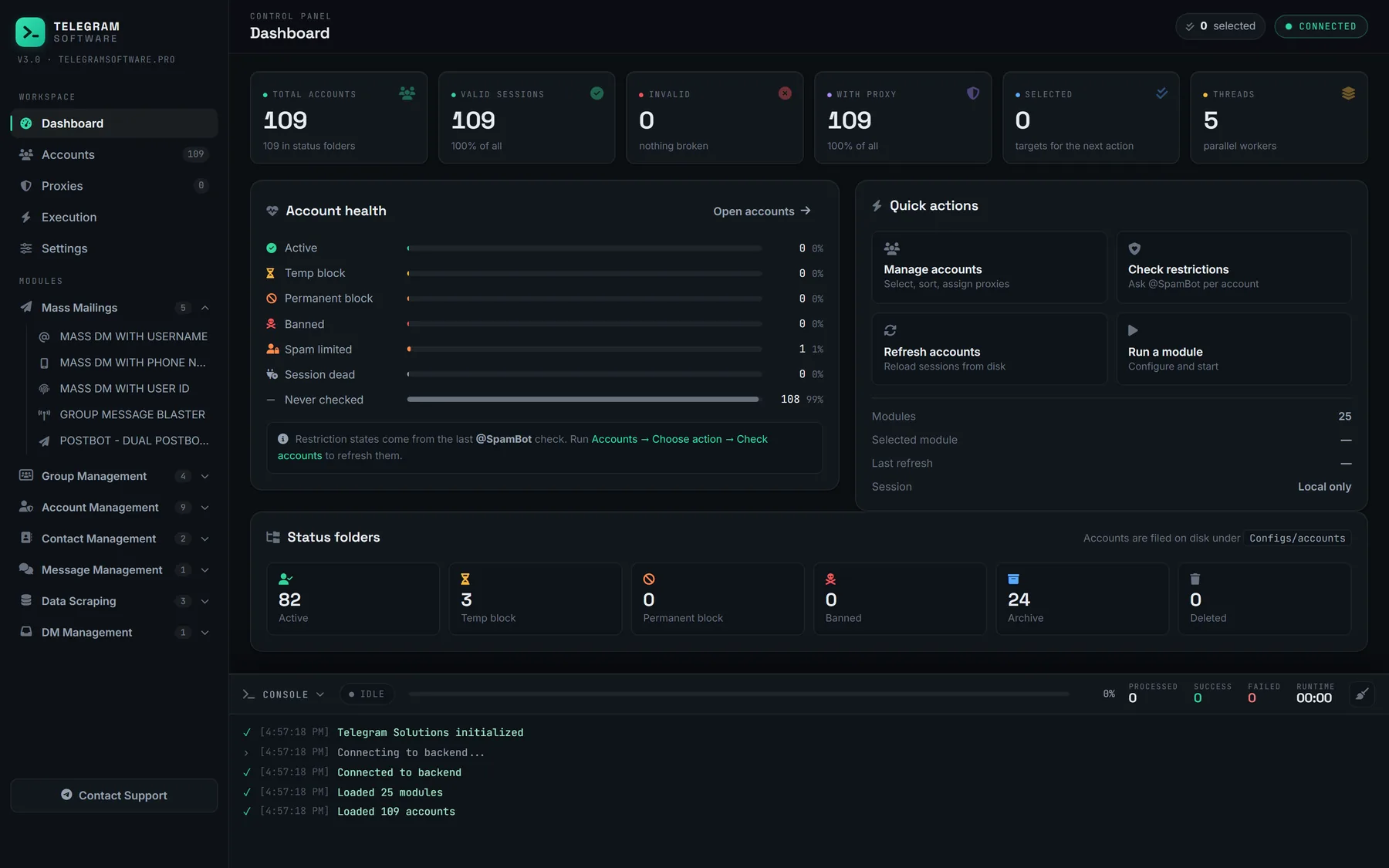
It runs like every other module. You pick accounts from the shared pool, each one works through the proxy already assigned to it, and each action is written to the same live log as a send or a join. Sessions stay on the PC, whether an account was loaded as a session file or from the tdata folder of a Telegram Desktop profile. Reading needs somewhere to read, so the accounts need chats of their own: channels they follow and public groups chosen from Telegram's search results.
The calls behind the word activity
Activity, in API terms, is a short list of ordinary methods. One reports that the user is online. Another marks a private chat's history as read, with a twin for channels and supergroups. A third sends the typing indicator, and a fourth fetches a channel post and counts the view. They are the calls the official apps make whenever a person opens Telegram, and a simulator makes the same ones for the same account. That is the entire mechanism. There is no private line to Telegram's anti-spam systems and no flag that marks an account as trusted, and Telegram publishes no figure for how many messages, joins or days put an account in good standing. Every such number on a vendor page in October 2026 is that vendor's estimate.
Warmup before the first job, simulation between jobs
The two modules are easy to confuse. Account Warmup runs staged cycles on a new login before it has done any work, and we have written separately about what warming a new account builds and what it leaves alone. The Simulator is for accounts already in service. It is the part of telegram account activity automation that happens on days when nothing is scheduled, and on working days around the job itself. Neither replaces a check. Check Accounts and SpamBot Check report what Telegram says about a session, which is information no activity routine can produce.
One rule in Telegram's API terms is worth knowing here. Clients are forbidden to "interfere with the basic functionality of Telegram", and the examples given include hiding online status and tampering with read status, the so-called ghost mode. That clause is aimed at applications which conceal activity, the opposite of what this module does, and it should be read as adjacent and not as a ruling on simulators. It does establish that online and read states are meant to be truthful. When the module reads a chat, the chat is read.
What does ordinary use include besides reading?
Housekeeping, mostly, and settings.
A telegram user simulator covers scrolling and idling, but an account that somebody really uses is also maintained, and that part falls to the operator and to other modules. Owners leave chats they have stopped opening; a pool does it by dropping finished groups from every account together. They tidy conversations, and removing a private chat's history on both ends is the bulk form of that. Before either, anything worth keeping is saved by writing a chat out to a file from Telegram Desktop.
Settings belong to the picture too. Each account has a choice recorded for whether its number brings up its profile, and the same privacy screen decides if a stranger holding only the number can start a conversation. An account that owns a channel carries a responsibility the others do not. If it is ever limited, giving the channel a different owner account depends on a two-step password that was set at least a week earlier, so set one on the first day.
None of this is done to be noticed. It is what keeping an account in working order looks like, and a pool that skips it becomes hard to run long before it becomes anything else.
Where does telegram anti ban activity stop helping?
At the recipient.
Telegram's Terms of Service ask users not to "send spam or scam users", and the enforcement described in the spam FAQ starts with a person, not a counter. Somebody receives a message they did not want and reports it; a moderator agrees; the account is limited. While limited it can still write to people who have its number saved and reply to anyone who writes first, and a request for early release gets the FAQ's own answer, which is that it is impossible. Months of careful reading change none of that, and such an account is reported exactly as fast as one with no history.
Other causes sit even further out of reach. The same FAQ says some numbers, virtual ones among them, are limited before they have sent anything. Flood waits are counted per method on Telegram's servers. Client libraries surface a state named PeerFlood that Telegram's public error list does not define, so nobody outside Telegram can tell you what clears it.
So here is what the module will not do. It does not raise or remove any Telegram limit, because limits live on Telegram's servers and bind every client that connects. It does not take an account out of observation, cancel a report or shorten a limit that @SpamBot confirms. It does not supply accounts or proxies. And it is not for inflating anyone's views, members or reactions.
What to check before paying for telegram activity automation software
Four questions sort most products, whether the page says telegram simulate activity, telegram activity simulator or something else entirely. Where do the sessions live: on your machine, or on the seller's servers together with your logins? On a flood wait, does the tool sleep or retry? Does it show each account's standing in the same place the activity is scheduled? And does the sales page promise a ban-proof account? A seller who writes that has told you how carefully the other claims on the page were checked.