Two problems hide inside this one, and most guides answer only the easy half.
Sourcing a list of people is the half software solves. Getting Telegram to accept them is the half Telegram decides, usually through a privacy setting somebody changed months ago and has long since forgotten about. The query arrives in a dozen shapes — how to add members to a telegram group, how to add members on telegram group, how to add group members on telegram, how to add telegram group members, how can i add members to my telegram group, how to add members to my telegram group — and all of them land on the same pair of mechanisms, which is why rewording the search never moves the answer.
Where does the member list come from?
From somewhere one of your own accounts can already see.
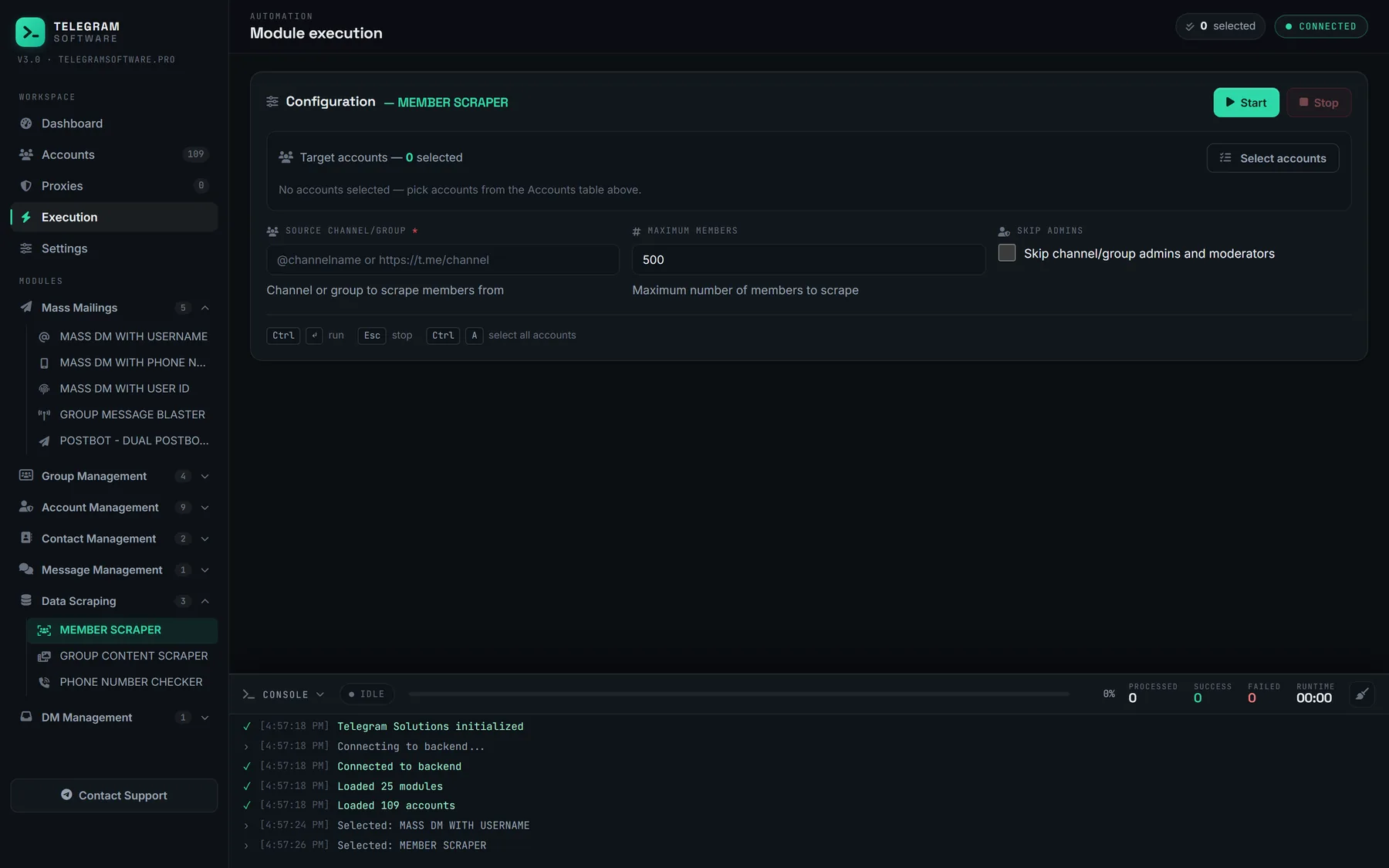
Every adder works on identifiers, and Telegram hands out identifiers only where an account already has access. Three practical sources remain: the participant list of a group one of your sessions has joined, a username list you assembled by hand, or the phone contacts on the account itself. The first is what nearly everybody means. Reading a group you belong to and writing the rows out to a spreadsheet is what our Member Scraper does, and how a group export is filtered before the adder touches it shapes the result more than any delay you set afterwards.
The from-another-group direction has a shelf of listings all its own: how to add members from one telegram group to another, how to add members from other telegram group, how to add telegram members from another group, how to add members in telegram group from other group. Four phrasings, one operation — a read followed by a write, and the read is the part that rarely fails.
Usernames are the identifier that behaves. Anyone searching how to add members to telegram group with username has already found the right answer without being told why: a username resolves to a peer in a single call, survives being written to a file, and still resolves a week later on a different session. A raw numeric ID collected without its access hash resolves for nobody except the account that collected it, which is why lists traded as bare IDs so often produce a run that fails on every row.
Phone numbers are the fallback, and it is worth knowing the cost before committing a list to them. You cannot point an add at a number directly, so the account has to save it as a contact first. Every session doing the work ends up with a contact table full of strangers and a cleanup pass waiting for it afterwards. It also tells the other person something you may not have meant to say, because a saved contact is visible to them under some settings.
Hidden participant lists are the case to plan for rather than discover. A group admin can restrict who sees the member list, and when that setting is on there is no export to build a run from at all. Check it before you buy anything, because no tool argues with it.
Who on that list can actually be added?
Fewer people than you counted. Frequently far fewer, and the reason is documented rather than mysterious.
Telegram treats an add as a request that is allowed to partially succeed. The missing-invitee constructor exists precisely so a client can be told which users could not be invited and why, one entry per person, while the rest of the batch goes through. Bulk adding is lossy by design, not by throttling. A thousand-row list that returns six hundred members is the mechanism behaving exactly as its own documentation describes.
Most of that gap is decisions the recipients already made. A privacy setting that forbids being added to chats. A mutual-contact requirement between the two accounts. Somebody already sitting in as many supergroups as Telegram permits one account to hold. Not one of those is a rate limit, so not one of them clears by waiting, and the full set of codes an add can return is laid out in the refusal codes a bulk add run actually returns.
Which means an accepted count is a property of the list, not of the software. Two runs on the same panel, at identical pacing, land in completely different places when one list came from an open interest group and the other from a channel whose members joined for a giveaway. Cleaning the list is the lever. Everything downstream of it is bookkeeping.
So the question to put to a vendor is not how many members it moves per hour. It is what the log does with a row it could not add.
The three ceilings, and only one of them moves
The number in the query keeps changing and the mechanism underneath does not. Ask it as how to add more than 50 members in telegram group, how to add more than 200 members in telegram group, how to add many members in telegram group or how to add unlimited members in telegram group, and you have named four thresholds of which only one is about pacing at all.
The first ceiling belongs to the chat object. Telegram's channel documentation states that a basic group can only have 200 members at max, while a supergroup supports up to 200,000. Reaching that has nothing to do with how fast anybody was adding.
The second is the add wall, and it is narrower than the folklore suggests. Telegram's own client library documents that members cannot be added to a channel once it holds more than 200, at which point an invite link becomes the way in. That is architecture, not throttling — no delay setting, no fresh proxy and no aged session moves it by a single member.
The third is pacing, and it is the only one that responds to how you run. That is where a flood wait lives, where a per-account cap earns its keep, and where the difference between a careful run and a burned session actually gets decided.
The daily framing belongs to the third ceiling and nowhere else. How many members can add in telegram group per day is the question every listing answers with a confident figure, and Telegram has published none: not in the API documentation, not in the spam FAQ, not anywhere the number could be checked against something. So the figures in circulation, ours included, are observations taken from watching runs rather than policy taken from a source. We would rather say that plainly than round one of them up into a feature.
An architectural cap and a rate limit look identical from inside a stalled run. They call for opposite responses: one says slow down, the other says stop adding and grow with links from here.
Bought members and unlimited counts are the same product
Search long enough and the results stop being about adding at all. Queries for how to add fake members in telegram group land in a different market with a different promise: somebody else's accounts joining your group, priced per thousand, with a replacement window instead of a result.
Those accounts do not read the posts and they do not reply to them. When the supplier's pool is cleaned out, the counter falls back, which is why the listings sell a top-up rather than an outcome. It also puts a block of accounts with no history and no reason to be there inside a group you are trying to keep, which is the profile a report from an ordinary member describes best.
We sell no accounts, so there is nothing for us in either direction. The distinction worth keeping is simply that a member count and an audience are two different measurements, and only one of them survives contact with a second week.
How to add bulk members to telegram group without buying the wrong tool
Everything above is the mechanism. The buying question is narrower than that. How to add bulk members in telegram group, treated as a purchase, comes down to which tool still behaves when the list runs to four thousand rows and half of them refuse.
Most of the category is priced on volume claims, which are the one thing no vendor controls. The checks below separate software that survives a real list from software that looks fine on a demo of forty rows.
| The check | A good answer | Reason to walk away |
|---|---|---|
| Where accounts come from | You bring your own sessions and proxies | Accounts bundled with the licence |
| Refused rows | Written out individually with the reason | A failure count and nothing else |
| Flood wait handling | Backs off and continues on other sessions | Retries into the wait |
| Per-account cap | A ceiling you set, enforced per session | A promised daily number |
| Where the data sits | Sessions and exports stay on your machine | Session files uploaded to their server |
| Pricing shape | Flat licence | Per member delivered |
The last row decides more than it looks like it should. A tool priced per member delivered has to keep the counter moving to get paid, and the honest answer to a list full of privacy refusals is that the counter stops. Those two things cannot both be true.
What does a bulk add run actually look like?
The unattended framing has its own listings — how to auto add members in telegram group, how to auto add members to telegram group, how to add multiple members in telegram group, how to add multiple members to a telegram group — and what all four are really selling is pacing you do not have to sit and watch. That part is genuinely worth having. The sequence underneath it is short.
- Run Check Accounts across the pool and drop anything already restricted, so a run does not start on sessions that were finished before it began.
- Scrape the source group, with Skip admins on and deleted accounts filtered out at the export rather than one refusal at a time.
- Keep only rows carrying a username, which is the single filter that moves the accepted count most.
- Split the list across sessions and set a per-account cap and a randomised Delay between adds.
- Start on a few dozen rows, read what comes back, and only then commit the rest.
- Re-export the refusals and take them out of the list permanently.
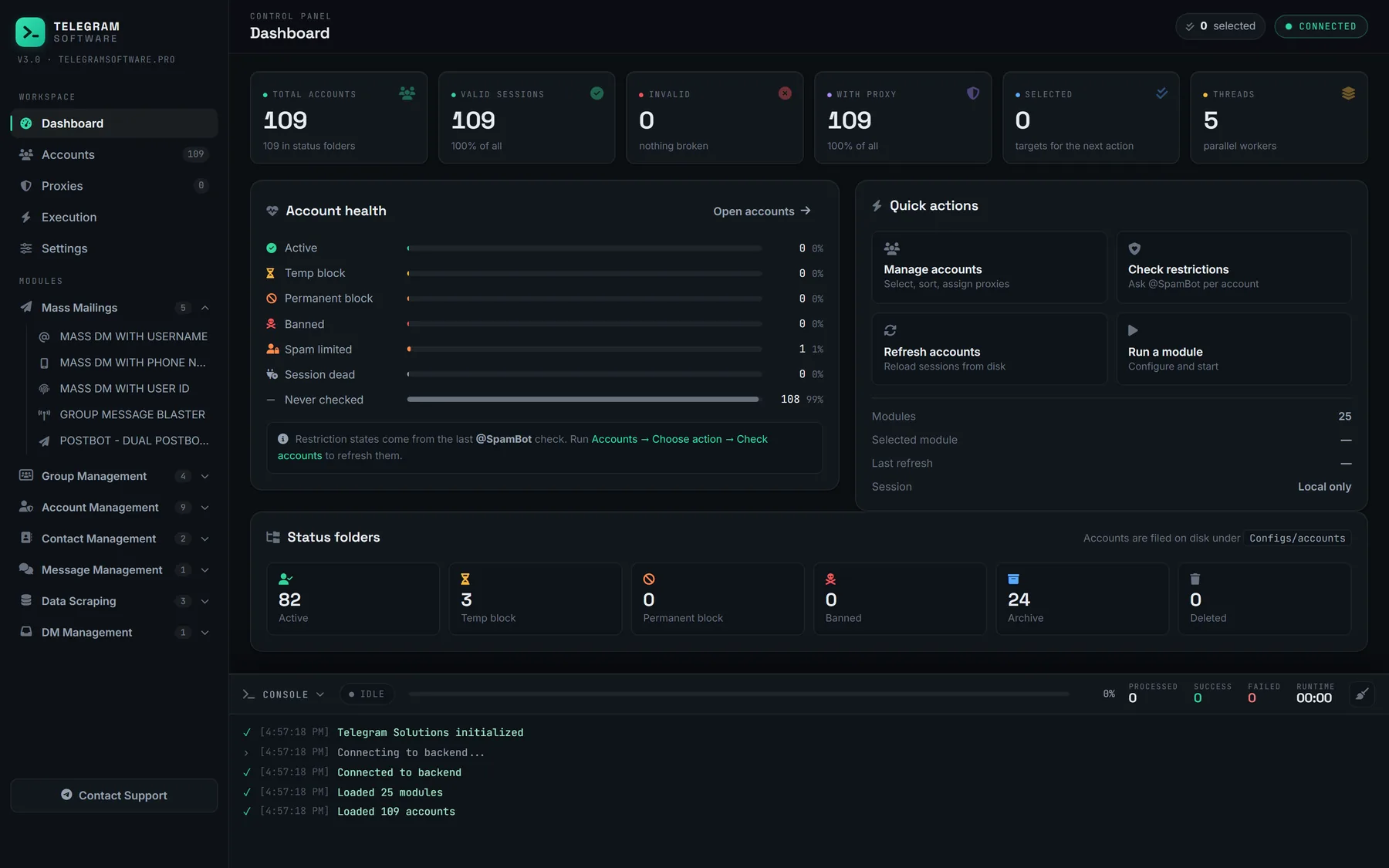
In the August 2026 build, Member Add distributes the list across the pool, holds the cap per session, randomises the interval and backs off a flood wait instead of retrying into it. Every module draws on the same pool and the same log, which is why a wait collected during a scrape is visible before the adder starts, and why messaging the same list instead of adding it runs on identical plumbing.
Unattended is not the same as unsupervised, and the difference shows up on the first run against a new source. The panel will keep going for hours without anybody in the room. What it cannot do is notice that the refusal rate climbed at row two hundred because the export was six weeks stale, so a first pass on an unfamiliar group is worth watching in the live log rather than reading as a summary afterwards.
Does a licence beat doing this by hand?
Past the second week, comfortably, and that is the only comparison that means anything.
Manual adding is not hard, it is just linear: open the group, tap through the member list, add one person, repeat. At forty names it is an afternoon. At four thousand it is not a task any more. The licence is a flat licence rather than a per-member charge, which starts at $120 a month for the whole suite, and it stays flat whether the run accepts six hundred rows or sixty. Flat against metered is one of four pricing shapes on sale here, and they sort by what the tool signs in as.
Limits we cannot move, and will not pretend to
This software lifts no Telegram limit. Nothing does — the ceilings are enforced on Telegram's servers against every client that speaks the protocol, ours included. It does not supply accounts or proxies, it cannot put anybody into a channel past the wall the client library describes, and it cannot talk a privacy setting into changing its mind.
One more boundary, since it gets asked directly: no setting in the panel changes how Telegram evaluates an account. The pacing engine avoids the obvious ways to lose a session — retrying into a wait, starting every account at once, pushing a list that has already begun refusing — and that is the entire claim.
Two boundaries are better read in the original than taken from us. The Terms of Service ask you to agree not to send spam or scam users, and Telegram's page on spam limitations states that the same treatment applies to adding people to unwanted groups and channels. An invitation nobody asked for is the case both documents were written about, and spreading it across more accounts changes nothing about what the person on the other end receives.
Adding is the middle step, not the whole job
A group that fills and then goes quiet has cost you the accounts for nothing.
The step before is the export, the step after is whatever gives the new members a reason to stay, which is usually pushing content to the members once they are in. Where consent matters more than volume, the consent-based route that adds nobody directly is the better tool, and it is also the only route left past the wall. Worth knowing too: the accounts doing the adding are the same accounts on the receiving end of what happens when a target group reports your accounts.
All of it sits in one Windows panel — the capability list the desktop build ships with covers what that includes. If you want to know whether a specific source group is worth running at all, have us look at your target group before you buy. The answer is free and usually short. Everything else we have taken apart on this beat is in the full set of teardowns behind this guide.