Most guides stop at the long-press. That covers the first question people ask, but not the next three: will it still send if my phone is off, can it go out every day, and can I schedule the same thing to many chats from many accounts. Each of those answers sits in a different part of Telegram, and two of them sit outside the app entirely.
We make desktop software that runs many Telegram accounts, so the bulk end of this is the part we know from the inside. Our software has no scheduler, and we say so below. Everything else here comes from Telegram's own documentation, with links, and where a number circulates without a source we label it.
Can you schedule a message on Telegram?
Yes. Can you schedule a message on Telegram without paying or installing anything? Also yes: the feature arrived in September 2019 and works in private chats, groups and channels where you are allowed to post. The same answer covers anyone asking can you schedule a message in Telegram on a phone or a computer, because every official client has it. A scheduled message telegram sends later looks exactly like a normal message to the person who gets it.
Here is how to schedule messages in Telegram on a phone. This is also how to set time to send message in Telegram, since the time picker is the scheduling screen:
- Open the chat and type the message, or attach the photo or file.
- Press and hold the send button instead of tapping it.
- Choose Schedule Message from the menu that appears.
- Pick the date and time, then confirm. The message leaves the text box and moves into the chat's scheduled list.
- Open that list from the small clock icon next to the text field whenever you want to check it.
That is the whole of how to make schedule message in Telegram for one chat. Searches for how to schedule a telegram message or how to schedule msg in telegram land on these five steps too. The one thing people miss is that the list belongs to that chat. There is no screen that shows every scheduled item across all your chats.
Telegram desktop schedule message steps
On a computer the action is the same idea with a mouse. For how to schedule message on Telegram Desktop, type the message, right-click the send button and choose Schedule message, then set the date and time. The telegram desktop schedule message menu also offers Send without sound, which delivers quietly at the scheduled moment. Telegram's announcement only describes holding the button, so treat right-click as the desktop form of that hold rather than a separately documented feature. If telegram schedule message desktop does not show the option, the usual cause is the chat itself: you need posting rights there, and in a channel only admins with post permission can schedule. That permission is also the first thing to check before you hand a channel to a new owner.
Scheduling in Saved Messages turns a post into a reminder for yourself, which Telegram's launch post describes in those words. It is the simplest private use of the feature, and nobody else sees it.
Where the queue lives, and why it sends while you are offline
The developer documentation on scheduled messages says each private chat, group, supergroup and channel has its own schedule queue, and that a message in it is sent automatically at the set time. That queue is kept by Telegram, not by your phone. So the telegram schedule message offline question has a short answer: your device does not need to be on, online, or even charged when the moment comes. Telegram scheduled messages go out from the server side. That is the part of scheduled messages Telegram handles best: once an item is queued, nothing on your side can make it miss its slot by being switched off.
Two more details matter. A time less than 10 seconds away is not queued at all, and the message is sent at once. When a scheduled item does go out, it carries a flag marking it as sent from the schedule, which is how the apps can label it in notifications. Reports on Telegram's public bug tracker describe occasional late deliveries on some older app builds, so for something time-critical, check the chat a minute after the slot.
Editing, sending now and cancelling
Open the clock list and long-press or right-click an item. You can edit the text, change the time, send it immediately or delete it. The documented methods behind those buttons are plain: one flushes the queue and sends now, one edits the date, one deletes without sending. Deleting from the queue is not the same as removing sent history, which is covered in clearing every message you have already sent. If you need a record of what actually went out on a given day, exporting the chat history from Telegram Desktop gives you timestamps for every delivered message.
Limits exist. The API returns SCHEDULE_TOO_MUCH when a chat holds too many scheduled messages and SCHEDULE_DATE_TOO_LATE when the date is too far ahead. Telegram does not publish either number. The figures that circulate on other sites, 100 messages per chat and one year ahead, are widely repeated but not stated anywhere in Telegram's documentation, so treat them as observed, not as policy.
How does Send When Online work?
The telegram schedule message when online option sends the message the moment the other person next opens Telegram, instead of at a clock time. Telegram announced it in a December 2019 update, and it appears in the same hold menu as the schedule option. It is useful across time zones, when a message at 3 a.m. their time would wake them.
It has two conditions. First, it works only in a private chat with one user, never in a group or a channel. Second, you must be able to see that person's online status. If they hide their last seen from you, the option is missing, and at the API level the request fails with SCHEDULE_STATUS_PRIVATE, meaning nothing is queued and nothing is sent. If they are already online when you choose it, the message is delivered immediately. Behind the scenes it is a scheduled message with a special reserved date that tells the server to wait for presence rather than a time.
Before you can use it you need to reach the person at all. If you only know a handle, the rules for finding someone by username explain why some accounts never show up in search.
Can Telegram repeat a message every day?
Now it can, with a condition. In November 2025 Telegram added a Repeat option to scheduled messages and reminders. The developer page says repeating scheduled messages are a Premium feature and lists the allowed intervals: daily, weekly, every two weeks, monthly, every three months, twice a year and yearly. So telegram schedule message every day is native for a Premium account: schedule the first one, tap Repeat and pick daily.
The repeat applies to a single message. An album, or a group of forwarded messages, cannot repeat. There is no custom interval such as every six hours, and no end date in the menu, so a repeating message keeps going until you delete it from the clock list. Many older guides still say there is no telegram schedule recurring message feature at all; that was true until late 2025 and is not true now.
Without Premium, or for intervals Telegram does not offer, people turn to scheduler bots and social media schedulers. Some of these are really reposting tools in disguise, and what a forward bot can and cannot reach is a useful check before trusting one with a channel.
Why is a scheduler bot a different machine?
A telegram scheduler bot does not use the schedule queue described above, because it cannot. The Bot API's sendMessage method has no date parameter, and the lower-level API answers a bot's scheduling attempt with SCHEDULE_BOT_NOT_ALLOWED. Every telegram schedule message bot therefore keeps its own clock on its own server and simply sends a normal message when the time comes. If that server is down at the moment, the message is late or missing. The trade-off between a bot and a real account is laid out in choosing between a bot and a user account for Telegram marketing.
Two more rules follow from it being a bot. In a channel or group, it needs admin rights with permission to post. In private chats, it can write only to people who pressed Start, which is the same constraint behind every referral bot starter. Bots that publish formatted cards with buttons, such as posts built with @PostBot codes, live in the same world: whatever a bot sends, it sends live, not from Telegram's queue.
Check three things before you give a scheduler bot admin rights: who runs it, which permissions it asks for, and what happens to its pending posts if you remove it. A bot that can delete messages or add admins can do far more than post on a timer. Grant only the right to post where the admin settings let you separate it, and remove the bot when the campaign ends.
| Method | Who sends it | Repeats | Where it works | Main limit |
|---|---|---|---|---|
| Native schedule | Telegram's server, from your account | No | Any chat you can post in | One chat at a time; caps not published |
| Premium Repeat | Telegram's server, from your account | Fixed intervals, daily and up | Any chat you can post in | Premium only; single messages only |
| Send When Online | Telegram's server, on the recipient's presence | No | Private chats only | Fails if their last seen is hidden from you |
| Scheduler bot | The bot's own server, live | Any interval the bot offers | Chats where the bot is admin, or users who started it | Depends on the bot staying online |
| User-account script | Your account, via the API's schedule date | Only by re-queuing | Any chat the account can post in | Needs api_id and hash; same spam rules apply |
What changes when one schedule becomes a bulk campaign?
Everything above is about one account and one chat. To telegram send scheduled message items to fifty chats, you queue fifty times, because each chat's queue is separate and nothing in the apps fans one message out. Scripts can do it through the user API, where the send method takes a schedule date, but a script runs on a real account and needs that account's own api_id and api_hash, one pair per phone number. People who search telegram send timed message often want exactly this: the same text, in many places, at one hour.
Timing does not change how Telegram judges the messages. A queued message is still a message from your account, and the spam FAQ and the Terms of Service are direct about it: contact people only if you are sure they expect to hear from you, and an account that is reported gets limited, for a few days at first and permanently for repeat offenders. Scheduling a hundred unsolicited direct messages for 9 a.m. tomorrow is the same as sending them at 9 a.m. by hand, only more concentrated. Posting to groups follows its own rules, such as slow mode and admin-set limits, which is why group blasting and inbox messaging behave so differently.
Time zones are the other practical problem in a timed campaign. The time picker uses your device's clock, so 9 a.m. means 9 a.m. where you are, not where the reader is. For an audience spread over several regions, one slot lands at breakfast for some and near midnight for others. Splitting the list by region and queuing each part on its own is more work, but it is the only way the native feature can respect the reader's day.
Where our software fits, and where it does not
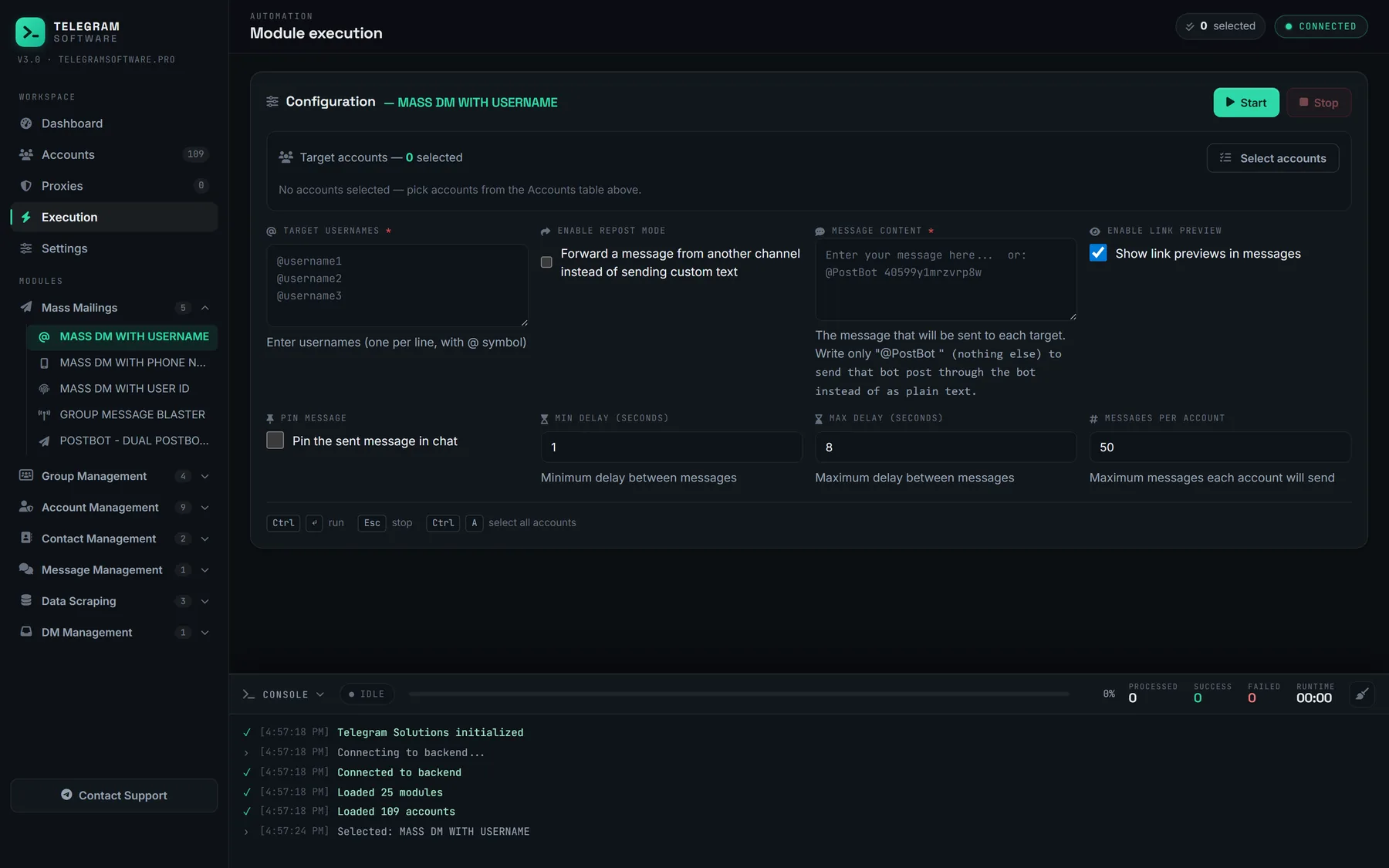
Telegram Solutions has no scheduler and does not write into Telegram's schedule queue. Its sending modules run when you start them and spread the sends with a minimum and maximum delay between messages, which is pacing, not scheduling. What a mass DM run actually sends is described step by step, and it is one message at a time from real accounts, under the same spam rules as anyone else. No tool, ours included, raises Telegram's limits or makes unsolicited messages acceptable.
The useful bulk work sits around the send. Finding the right communities is covered in searching for Telegram groups worth joining, and bringing people into your own group is covered in bulk-adding members to your own group and in invite links versus direct adds. Cleaning up accounts after a campaign, for example leaving every group at once, is a separate job from either.
For one person and one chat, use the built-in schedule. For a daily post, use Premium Repeat or a bot with admin rights. Telegram scheduled message features are there for that.
For many accounts, the hard part is not the clock; it is whether the people on the other end asked to hear from you.