Most pages on this topic pick one side. Either they sell a "spammer bot" or they list five settings and stop. Both miss how the pieces connect: the tool on the sending side, the report button on the receiving side, and the limit Telegram puts on the account in between.
We make Windows software that runs many Telegram accounts, so people ask us about both ends of this. The rules below come from Telegram's own pages, linked where they are used. Where a number circulates without a source, we say so instead of repeating it.
What is a telegram spammer, and what does Telegram count as spam?
Telegram's spam FAQ gives the working definition: sending unsolicited messages, including commercial or promotional ones, to people who do not know you, and adding people to groups or channels without their consent. The Terms of Service say the same thing in one line: you agree not to use the service to send spam or scam users. So telegram spammers are not defined by software. A person typing by hand can be one. A bot can be one. Ten accounts on a script can be one.
The test is expectation, not volume. A channel post to subscribers is not spam, because they joined. A reply in a group thread is not spam. The same promotional text sent to a stranger's inbox is spam, even if it is the only message you send that day. Telegram spam messages in practice fall into a few repeating shapes: crypto and investment offers, fake support agents, "you won a prize" links, adult invites, and job offers that ask for a deposit.
The ugly part is that the receiver cannot see the sender's tool. A telegram message spammer running a script and a real person with a bad idea look the same in your chat list. What you can see is the account itself: no shared groups, no username, a profile photo that looks borrowed, and a first message that pitches before it greets. An estimate of how old an account is often tells you more than the message does.
What do spammer tools actually do?
Search for a telegram spammer bot and the top results are not products. They are public code repositories: small Python scripts that post one message to a list of groups, and larger multi-account flooders with proxy lists. Several of their own README files state that the use breaks Telegram's terms and that accounts can be banned without recovery. That is the honest description of the category, written by the people who built it.
Two different machines hide behind the words "telegram spam bot". The first is a real bot built on the Bot API. It cannot start a private conversation with anyone; it can message only people who pressed Start first, which is the same rule behind every referral bot that waits for a Start. A telegram spamming bot of that kind mostly works inside groups where someone gave it posting rights. The second machine is a user account driven by a script through the full client API. It can write first, join groups and add people, and that is why the spam bots telegram users complain about are usually not bots at all, but ordinary accounts on automation.
Telegram group spammer accounts and shill bots
A telegram group spammer works the comment sections. It joins open groups, posts a link or a "DM me" line, and leaves before admins react. A slower version posts friendly messages for days before the pitch arrives, a pattern covered in how shill bots drip messages into groups. Neither type needs special software. What scripts add is scale: the same post, from many accounts, in many groups, within minutes. Most telegram spam bots you meet in groups are this second kind, a scripted account rather than a registered bot, which is why kicking one rarely ends the wave.
Spammer kits also trade in account files. Session files and TDATA folders are the login itself, so a kit that ships "ready accounts" is shipping someone's logins. The format difference is explained in converting a session file to TDATA; the practical rule is never to load an account file from a stranger, because whoever made it may still hold a copy.
Why do telegram spam groups and spam links keep finding you?
Because by default anyone can add you to a group. A telegram spam group is usually a supergroup someone filled by adding accounts from member lists, or a channel that promotes itself by dropping invite links into other chats. You wake up inside it, often with hundreds of other strangers, and the first post is a link. People call these link spam groups, and a telegram link spam group typically points at a second group, a fake exchange, or a bot that asks for your phone number.
Telegram spam links are the payload. Some lead to phishing pages that copy the Telegram login screen and ask for your code. Others lead to "free download" files. If you need media from a channel, use a downloader that saves files from channels you chose rather than any file posted by an account you do not know. The safe rule for any spam links group telegram drops into your list: do not tap the link, do not message the admin, leave and report.
You will also see searches for a telegram spam groups link, as if there were lists to join. There are such lists, and joining them is the fastest way to get your own account reported. The members are mostly other promoters, and the group exists to collect accounts for the next mass add. Being in many of these groups also makes your number easy to scrape.
Spam groups are the same technique as group blasting, seen from the inside. Posting into groups where you are a member follows different rules from writing to people one by one, which is why group blasting and inbox messaging are judged differently. The common thread is consent: a member who joined a busy promo group expects promos, while someone added without asking does not.
How do you stop spam on Telegram on your own account?
Most of what you need is in the privacy screen, and it takes about two minutes. Here is how to stop telegram spam messages and group adds on a phone or desktop:
- Open Settings, then Privacy and Security, then Groups & Channels, and set who can add you to My Contacts. Strangers then can only send you an invite link.
- In the same screen, set Phone Number to Nobody and limit who can find you by number. That cuts the spam that starts from scraped or guessed numbers.
- When a stranger writes, use the button at the top of the new chat that blocks the sender and alerts Telegram's moderators. Do not reply, even to say stop.
- If you are already in spam groups, report the group from its menu, then leave. The report is what helps other people.
- Check Active Sessions under Privacy and Security, and end any device you do not recognise. A spammer with your session is the worst case.
That answers how to stop spam on telegram for most people, and it is also how to stop telegram spam groups from refilling your chat list. Two more controls exist. Since a January 2024 update, Premium accounts can let only contacts and Premium users start new chats, and since March 2025 they can charge Stars for messages from non-contacts. Accounts that get many messages from strangers may also see an Archive and Mute New Chats switch in the same privacy screen. If you manage several accounts, applying the same settings by hand gets slow; changing privacy settings across many accounts covers that case.
One more source of telegram app spam messages is bots you once started. A bot you pressed Start on can keep writing to you. Blocking works, but stopping a bot's messages without blocking it is the gentler option when the bot is useful and only noisy.
How do you get rid of spam bots in a group you run?
For admins, how to get rid of spam bots on telegram is a mix of one built-in switch and one outside helper. The built-in switch is Aggressive Anti-Spam, which Telegram added in December 2022 for admins of groups with over 200 members. It sits in the group's admin settings. When it is on, Telegram's automatic filters remove more messages they judge to be spam, and admins can report any false positive from the Recent Actions tab, as the developer page on native anti-spam also describes.
The outside helper is a telegram anti spam bot added as an admin. These bots filter new joiners with a CAPTCHA, delete messages with links or banned words, and some share ban lists between groups. There is no single best telegram anti spam bot; the right one depends on whether your problem is joiners, links or floods. As a telegram bot to stop spam, each of these needs delete and ban rights, so add only one you trust.
| Option | What it checks | Strong at | Weak at |
|---|---|---|---|
| Native Aggressive Anti-Spam | Every message, by Telegram's own model | No extra bot, logged removals | Groups over 200 members only; just on or off |
| Combot | Messages and joiners, plus a shared spammer database | Known spam accounts, stats | Needs broad admin rights |
| Shieldy | New joiners, with a CAPTCHA | Stopping automated joins | Does not scan later messages |
| Rose | Messages, by filters and blacklists | Rules, floods, shared ban lists | Filters must be set up by hand |
| GroupHelp | Joiners and messages | All-in-one moderation | Many menus to configure |
| Self-hosted open-source filter | Messages, by your own rules | Full control, no third party | You run and update the server |
A telegram anti spam setup works best in layers: join gate first, then the native filter or a message bot, then slow mode for busy hours. Turn off "add members" for ordinary members, and revoke an invite link the moment it shows up on a spam list. For how to remove telegram spam bot accounts already inside, ban them from the member list with "delete all messages" ticked, then report. A telegram group spam bot that keeps rejoining under new names means the invite link has leaked; replace it. That sequence, gate, filter, ban and fresh link, is the short answer to how to stop spam bots on telegram for anyone who runs a group.
What happens to a spammer after you report?
A report is the input to the whole system. Per the spam FAQ, reports are reviewed by Telegram's moderators, and if they agree, the account becomes limited. A limited account can still message people who have its number saved as a contact, and it can always reply to anyone who wrote first, but it cannot start chats with strangers. The FAQ says a first limit lasts a few days and repeat offences bring longer ones. That is the real mechanism behind every telegram spam bot complaint: the report reaches a person, and the outcome is a limit on the sender.
On the sending side the limit shows up as errors. Telegram's API error page documents FLOOD_WAIT, which means "wait this many seconds before repeating the action". Developers also report PEER_FLOOD when a limited account tries to message people it can no longer reach; that one is observed in client libraries rather than defined on Telegram's error page. Those are two different signals: the first means slow down, the second usually means the account is limited.
The limited account talks to @SpamBot, Telegram's official bot for this. If you came looking for telegram spam bot info, this is the bot people mean: it tells an account whether it is limited, until when, and lets it ask for a review. Reading those replies is covered step by step in the @SpamBot account check. Note the naming trap: "spam bot" in searches can mean @SpamBot, the official helper, or the spam bots that send junk. They are opposites.
When the spammer is your own account
Sometimes the telegram spam bot problem is on your side. An account that sends many first messages to strangers, or adds people to a group in a short time, can collect enough reports to be limited even when the sender thought the messages were wanted. The fix is not a better tool. It is fewer unsolicited first contacts and a slower rhythm. Telegram publishes no daily threshold, and the per-day figures passed around online are observations from users and vendors, not policy.
Operators of many accounts see the same question at scale. Which accounts are still healthy? A bulk check of every session's status sorts working, limited and dead accounts, and one place to keep every account's login stops them scattering across folders. Neither changes how Telegram judges what the accounts send.
Where our software stands on this
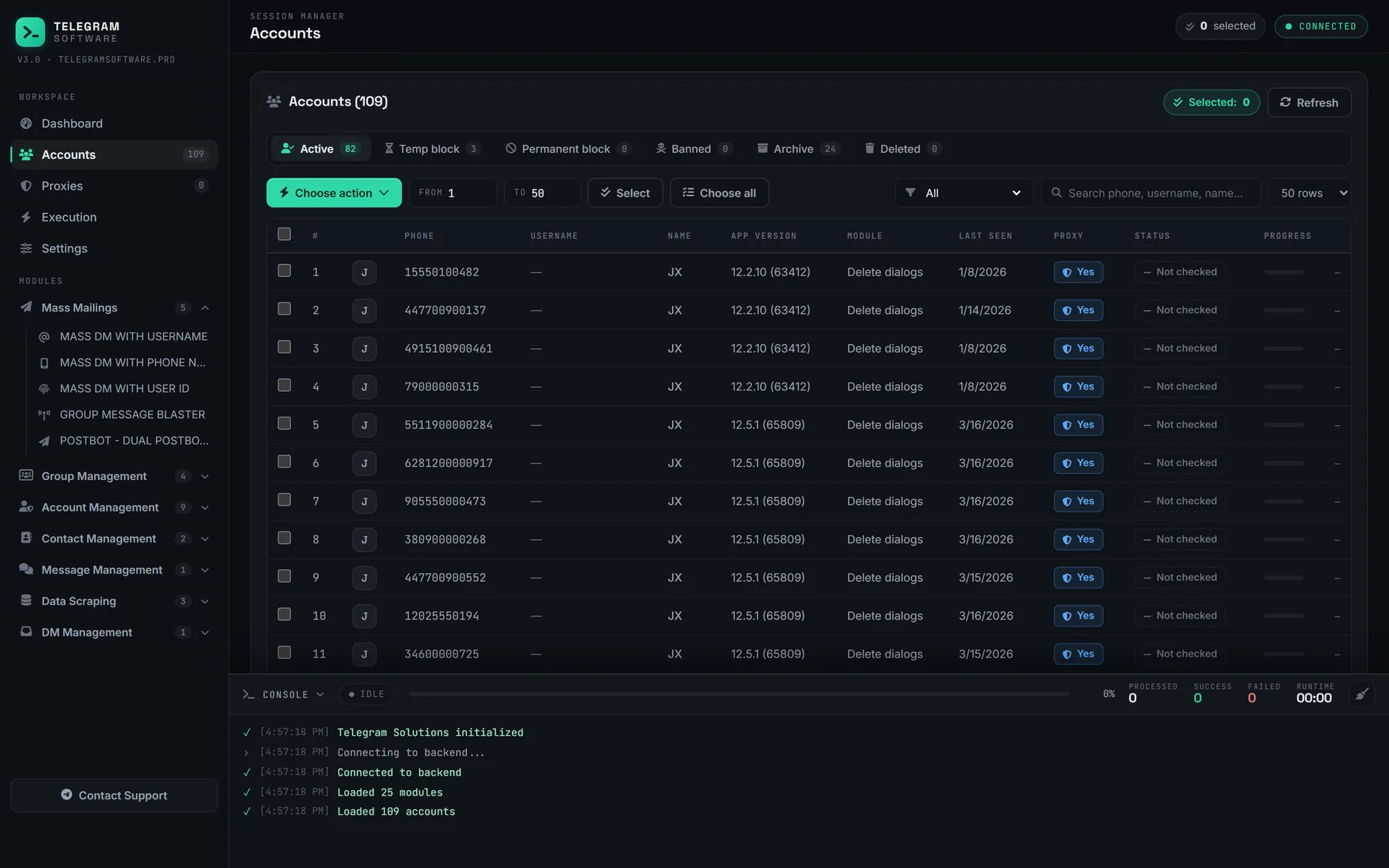
Telegram Solutions is a desktop suite for running many accounts, and what this kind of software automates includes sending. It also means our users meet the spam rules more often than anyone. We do not sell it as a spammer tool, and no feature in it lifts a spam limit or makes unsolicited messages acceptable. An activity simulator for newer accounts keeps an account in ordinary use; it does not change what a report does.
The safer pattern is to message people who already have a reason to hear from you. People who saved your number can still be reached by a limited account, which is why importing your own contact list in bulk matters more than any sending speed. Replies are the other half: people who write to you first are not spam, and a shared inbox for DMs across accounts keeps those answers from going unanswered. Lookalike usernames are a common trick for impersonation spam too, so it is worth securing your brand's handles before someone else does.
Can the telegram spam problem be solved for good?
No. Telegram spam problem solve searches want a final switch, and there is none. Open sign-up, public groups and searchable usernames are the features that make Telegram useful, and they are the same openings spammers use. What exists is a set of controls that each close one door: privacy settings for your inbox, join gates and the native filter for your group, reports for the network as a whole.
The network-wide part is large. Telegram's moderation page showed 28,084,466 groups and channels blocked in 2026 when we checked it on 19 October 2026, and says AI moderation tools were added in early 2024. The page does not split that count by reason, so it covers spam alongside other violations.
Used together they get you most of the way to telegram stop spam messages in daily life. Lock who can add you, report instead of replying, run one anti-spam layer in any group you manage, and treat every link from a stranger as hostile. To stop telegram spam that still gets through, report it. Every report adds weight to the limit on that account.
For anyone sending at scale, the test stays the one from the first section: did this person expect to hear from you?